Applications
Commercial Building CCTV Systems, Specified by Building Type
Buildings do not fail in the same way, so they should not be specified in the same way. Each page below takes one building type and puts numbers on it: channel counts, PoE wattage, cable metres and terabytes of recording.
- One chain: camera, PoE, CAT6, NVR, wall
- Channel, PoE and storage maths per building
- Full colour at night, no external lighting
- Quotes and specifications checked line by line
Pick the building you are working on
Each type fails in its own way, so the camera forms, PoE budget and storage maths all change. Eight types, grouped by how they are used.
Commercial buildings
Public access, long shifts, mixed tenants.
- Office Buildings
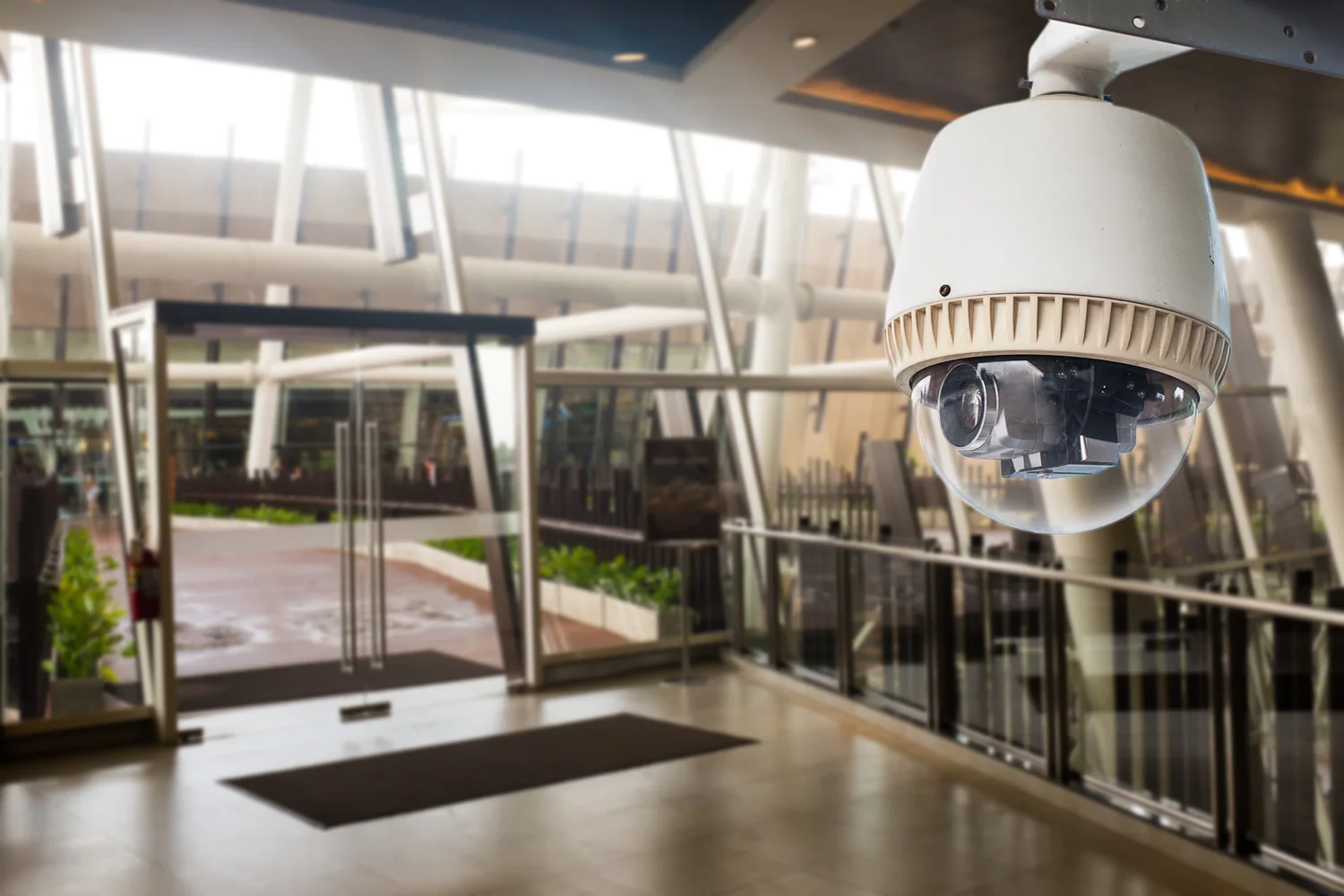 Lifts, basement parking, visitor and staff flow separation. Learn more
- Apartment Buildings
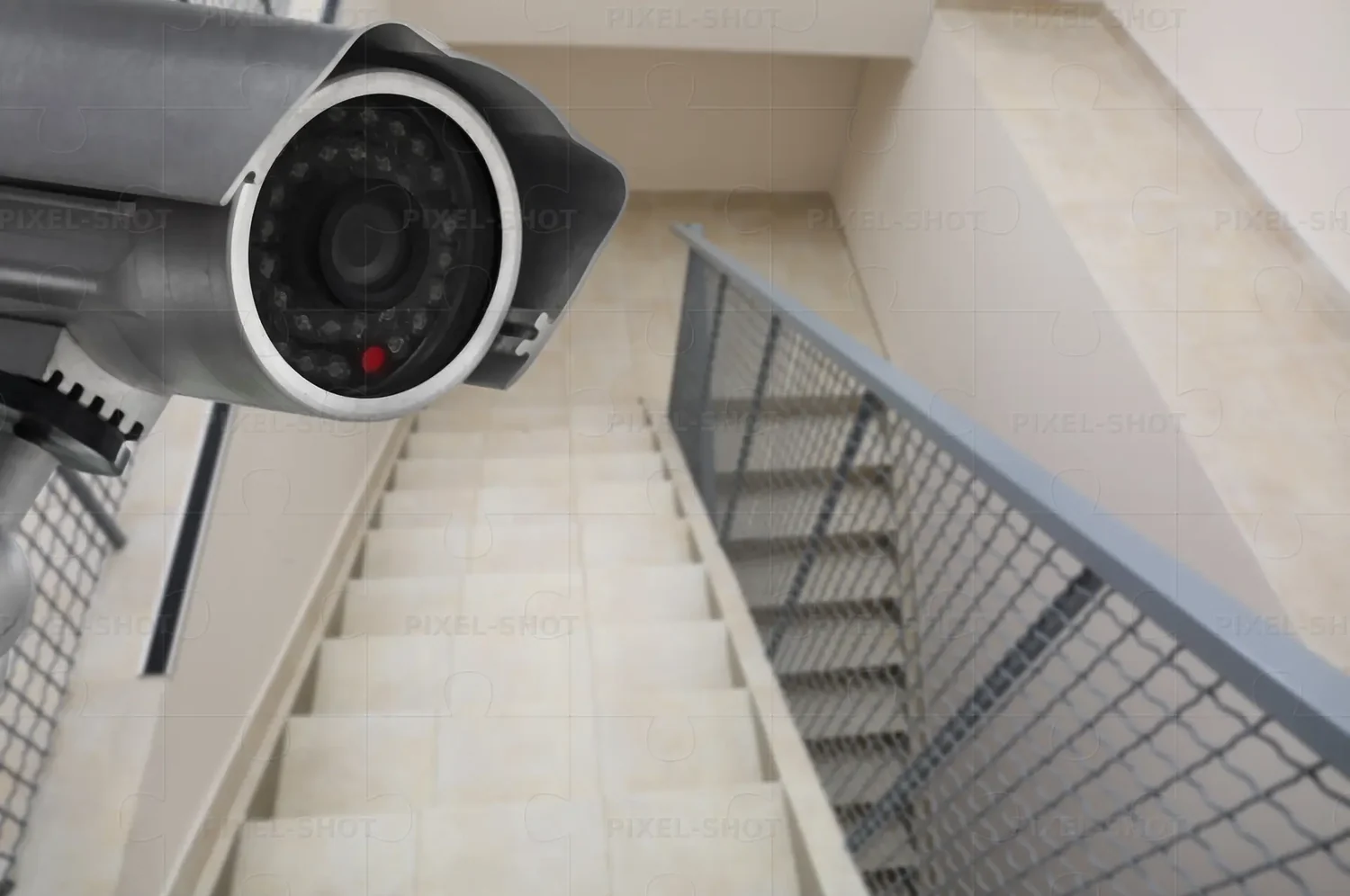 Public areas without crossing the line into residents’ privacy. Learn more
- Retail & Shopping Malls
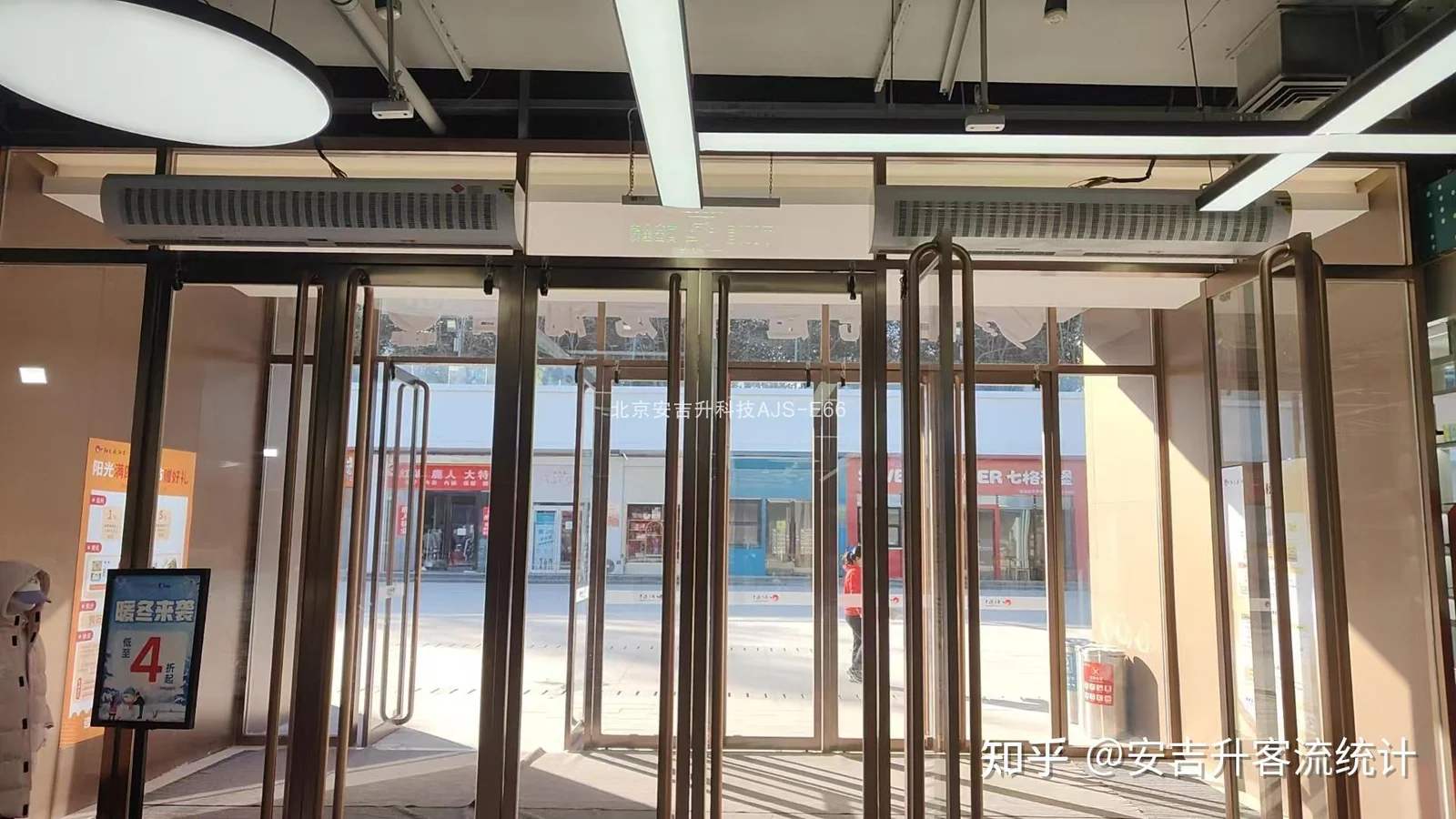 Till areas, entrances, stock rooms and traffic counting. Learn more
- Hotels
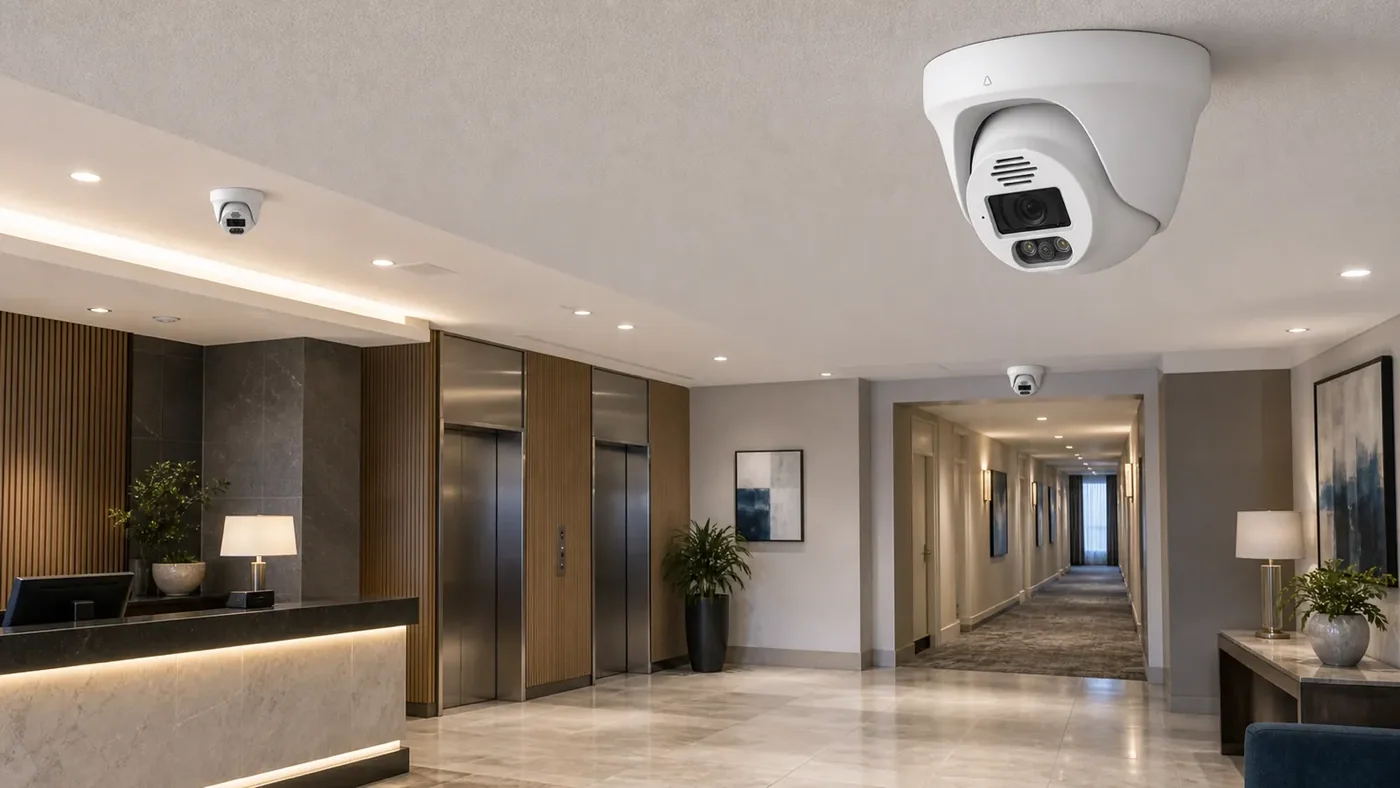 Lobby, corridors, back-of-house and guest privacy boundaries. Learn more
Industrial and logistics
Dust, vibration, moving vehicles, long cable runs.
Public and institutional
Duty of care, restricted areas, audit trails.
Every building runs the same five links
Change the building and the quantities change, not the chain. That is why a quotation collapses when one link is priced on its own.
- Camera Captures and compresses — H.265 or H.264.
- PoE switch Power and data down one CAT6 cable.
- CAT6 cable 100 m to the switch, or 250 m in extend mode.
- Recorder Stores with H.265+; drive bays set the retention.
- Wall or client Displays it in the control room or on a phone.
What Changes From One Building Type to the Next
The chain does not change; which link gives out first does. In a tower it is risers and floor count, in a warehouse it is racking and the distance from the yard gate to the head end, in a car park it is the geometry of the entry lane.
| Building type | Where the count comes from | The link that usually breaks first |
|---|---|---|
| Office buildings (5–30 floors) | Every lift lobby and lift car, reception, basement car park, plant floors | The riser: floor runs beyond 100 m with no cabinet on the floor |
| Apartment buildings | Street door, each lift and lift lobby, corridor ends, bin and bike stores | Dome aiming: covering the route without seeing into residents’ windows and doors |
| Warehouses & factories | Dock doors, racking aisles, high-value stores, yard, perimeter | Racking shadows and long sheds with nowhere to place a switch |
| Retail & shopping malls | Every till, entrances, stockrooms, goods-in, service corridors | Face-level resolution over the till, and trading with the lights off |
| Hotels | Lobby and reception, every lift lobby, corridor ends, back-of-house | Keeping guest floors to corridors and public areas, never rooms |
| Schools & campuses | Gates, playground, corridors, canteen, each separate block | Distance between blocks, and installing around the school timetable |
| Hospitals & clinics | Pharmacy, records, entrances, ward and theatre doors, plant | Working in live clinical areas, and controlling who may view footage |
| Parking lots | Each entry and exit lane, ramps, aisle ends, pedestrian exits | Columns, headlights and plate readability after dark |
What Each Link Asks You to Decide
| Link | What you specify | The number that decides it |
|---|---|---|
| Camera | Form per position — bullet (FC5B), dome (FC5D) or PTZ (FC5P-PTZ) — all 5 MP full colour low-light | The number of positions on the drawing, not the megapixel count on the box |
| PoE switch | Port count and power budget: PS082 8-port 120 W, PS162 16-port 250 W, PS242 24-port 320 W, or the all-gigabit 24G02GS-P with 2 SFP uplinks | Cameras per cabinet and the 100 m copper limit on every run |
| CAT6 cable | Solid-copper CAT6 runs and accessories from the same bill of materials | Metres per drop: 100 m in standard mode, 250 m in Extend mode at 10 Mbps |
| NVR | 10, 16, 32, 49 or 64 channels, 1 to 8 drive bays, H.265+ recording | Channel count plus retention: 8–15 GB per 5 MP channel per day |
| Video wall / client | A 4K monitor on the recorder output, a desk client, or a 14-slot platform chassis with 4K@60 Hz decoder cards and a PTZ keyboard | How many feeds one operator has to watch at the same time |
Three Decisions That Shape Most of the Cost
A video wall or a desk monitor?
A single 4K monitor on the recorder output (up to 3840 × 2160, with 1/2/4/6/8/9/10/16 screen layouts) is the right answer for 8–32 channels and one person watching. A wall earns its cost when more than one operator needs the picture at once, or when entrances, gates and the perimeter must stay permanently on screen. The decoder server does that with 2 HDMI 2.0 4K@60 Hz outputs per card and up to 36 splits per card, in a 14-slot chassis that grows with the system.
- Use when
- Control rooms, gatehouses and lobbies running 32 channels or more, or watched by more than one operator.
- Not when
- A single reception desk watching 8–16 channels — the recorder output and one monitor do the same job with less cabling.
Standard mode or Extend mode on the PoE port?
Standard mode is 100 Mbps to 100 m: full port speed, and every camera behaves identically. Extend mode takes ports 1–8 down to 10 Mbps and out to 250 m, with port isolation as a bonus. That is enough for one main stream per camera, which is all a recorder needs, and it is the cheapest way to reach a gatehouse, a substation or a perimeter pole without adding a cabinet.
- Use when
- Fixed cameras 100–250 m from the nearest cabinet, where one recording stream per camera is sufficient.
- Not when
- Positions that need multiple simultaneous streams or where you want the camera treated exactly like every other channel on the wall — add a cabinet or a fibre uplink instead.
Bullet, dome or PTZ: choosing the form per position
A bullet (FC5B) in a housing covers approach and plate positions at gate level. A dome (FC5D) in a vandal-proof housing is the form for anything indoors and within reach: lobbies, corridors, lift cars, stores. A PTZ (FC5P-PTZ) is for the one position where a single camera has to see a whole yard, field or concourse and an operator will actually drive it. Most buildings use all three, and the split is decided by the position, not by the budget.
- Use when
- Any building with a mix of entry-level positions, indoor coverage and one or two wide-area views.
- Not when
- A single-room or single-counter job, where one or two domes cover everything that matters.
Frequently asked questions
What is actually in a commercial building CCTV system?
Four parts, sized together: cameras for each position, PoE switches to power and connect them, CAT6 cable to carry power and data, and an NVR to record. A display layer — a 4K monitor on the recorder output or a video wall and client — sits on top. The quantities follow the building. A 16-camera building typically needs one 16-port PoE switch (PS162, 250 W), one 16-channel NVR (NVR16-1-2) and roughly 250–400 m of CAT6 once service loops are counted.
How do I work out the channel count before I have a full drawing?
Count positions, not areas. Walk the building and mark every place where a person or vehicle has to be identifiable: entrances, each lift lobby and lift car, corridor ends, gates, stores, plant doors and ramp heads. A small three-floor office lands near 16 positions; a 20-floor tower with a basement car park usually lands between 32 and 64. As a shortcut, plan one position per lift lobby, one per lift car, one per entrance or gate approach and one per store or plant door, then add about 20 per cent for the corridor and corner positions the site walk always turns up.
Do the cameras need external lighting at night?
No. The FC5B, FC5D and FC5P-PTZ are 5 MP full colour low-light cameras: at light levels down to 0.1 Lux they keep producing colour images without floodlights and without turning on the camera’s own LEDs. That means you can leave lighting circuits off after hours and still expect colour, not black and white. The one honest exception is absolutely no light at all, where the built-in fill light carries the colour. If a position is genuinely unlit, tell us and we will say so at specification stage.
Can the cameras work with a recorder we already own?
The cameras publish ONVIF, RTSP and GB28181 streams and encode in H.265 or H.264, so any recorder or VMS that accepts those standards can take them. Two things to check before you commit: the recorder’s channel count and access bandwidth, and whether you need features that live on the recorder rather than the camera. Send us the existing model and we will tell you plainly what will and will not work with it. In practice the camera side is rarely the problem; the recorder is. A unit with fewer channels than the building needs, or one that only accepts its own brand of camera, is the usual blocker.
How much storage does a 5 MP channel need per day?
On H.265+ recording, budget 8–15 GB per channel per day at 5 MP. Thirty days is therefore roughly 240–450 GB per channel, which puts a 16-camera building at 4–7 TB and a 32-camera building at 8–14 TB for a 30-day retention window. The 10- and 16-channel recorders take one drive up to 14 TB; the 32-channel and larger chassis take 18 TB drives in two to eight bays. Size the drives from the retention target, not from what is on the shelf.
What is the 100 m PoE limit, and how do I design around it?
PoE over CAT6 is specified to 100 m in standard mode, which is why a multi-floor or multi-block building needs a switch cabinet per zone rather than one head-end. Switching the DIP to Extend mode takes ports 1–8 to 250 m at 10 Mbps with port isolation — enough for one main stream per camera and the cheapest route to a gatehouse or perimeter pole. Beyond 250 m, the correct answer is a local cabinet fed by a fibre uplink; the 24G02GS-P carries two SFP uplinks for exactly that job.
Tell us the building and we will size it
Send us the building type, floor count and camera estimate — we will come back with a system layout, a bill of materials and a price.