Power & Cabling
CAT6 Cable and CCTV Accessories
The cabling layer the rest of the system depends on: CAT6 for the camera runs, patch leads and HDMI for the wall, and the arithmetic for how much you actually need to order.
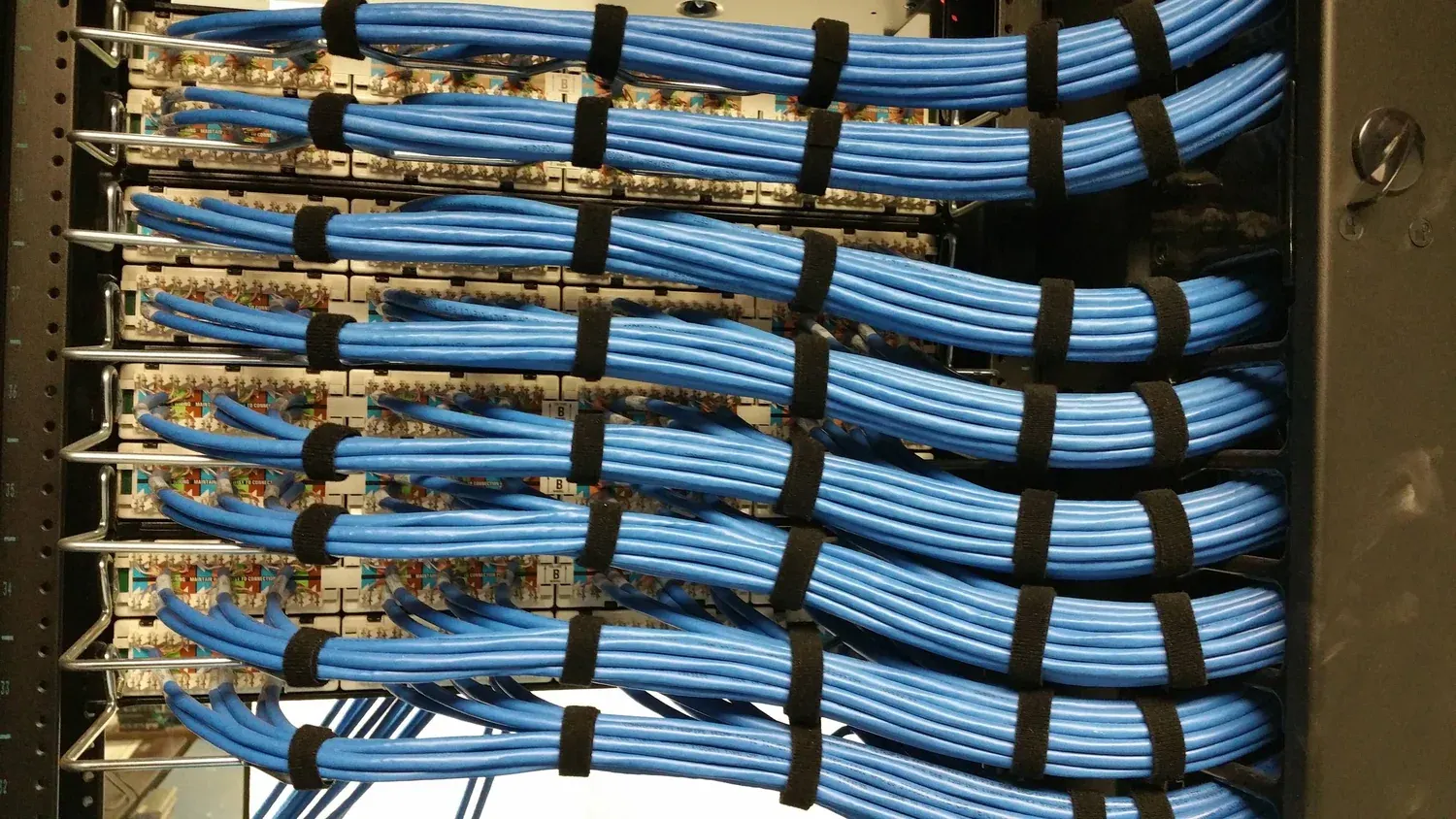
- CAT6 for PoE camera runs
- Indoor and outdoor jacket options
- HDMI leads for wall panels
- Quantity formula included
CAT6, CAT5e and what actually changes
For a camera system running PoE, both CAT6 and CAT5e will carry the signal and the power over the standard 100 m reach. The differences that matter are headroom and interference. CAT6 is specified to a higher bandwidth and has tighter crosstalk performance, so it holds up better where cables are bundled together in a riser or run beside mains wiring.
The practical recommendation for a building installation is CAT6. The cost difference against CAT5e is small relative to the labour of pulling the cable, and the headroom means the same installation will still be sound if the site later moves to higher-resolution cameras or puts data on the same cabling.
How much cable to order
The formula is: average run length × number of cameras × 1.15 for the cable route and the service loop at each end, then divided by the box length and rounded up. A sixteen-camera floor with an average 45 m run therefore needs roughly 45 × 16 × 1.15 = 828 m, which is three 305 m boxes.
Work the average out from the floor plan rather than guessing. In a building where the switch sits in each floor's communications room, most runs are between 20 and 60 m; a site where every cable goes back to one central room will be far longer and may need intermediate switches instead.
Add a service loop of at least a metre at every camera and at the switch end. Cable pulled tight to the connector is the single most common cause of a run that tests fine on installation day and fails two winters later.
Indoor, outdoor and the places cable fails
- Indoor riser: use plenum-rated cable where a run passes through a ceiling void used for air return, because the jacket specification is a building code requirement rather than a preference.
- Outdoor: use a UV-resistant jacket, or run in conduit. Standard indoor cable degrades in sunlight within a couple of years.
- Buried: use direct-burial cable or conduit, and leave a draw string for the next run.
- Alongside mains: keep separation from power cables, and cross at right angles rather than running parallel for long distances.
- Above ceiling near lighting: keep away from fluorescent and LED driver circuits, which are a common source of interference on a marginal run.
Wall and rack accessories
A video wall needs HDMI runs from the controller or decoder to each panel, and those runs have their own length limits that fall quickly as resolution rises. At 4K@60Hz, plan the HDMI run conservatively and use active or optical leads where the distance to the top row of a wall is long.
On the rack side, budget patch leads, a patch panel, cable management and a surge-protected power distribution unit. These are small line items that determine whether the installation is maintainable in year three, when somebody has to trace which cable belongs to which camera.
Termination and testing on site
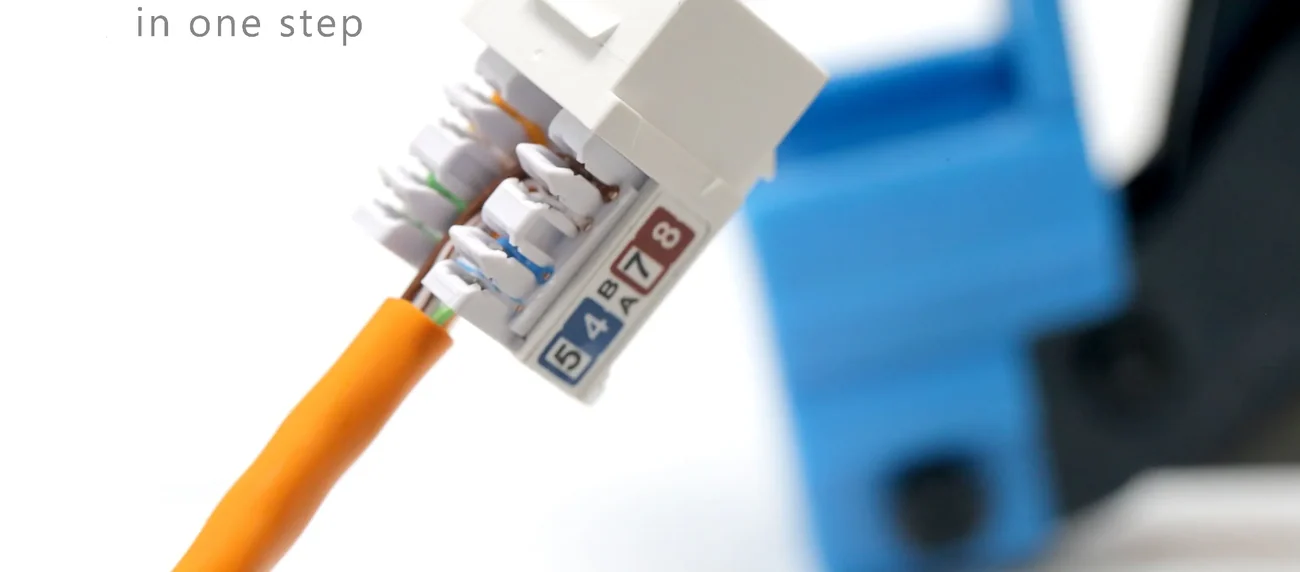
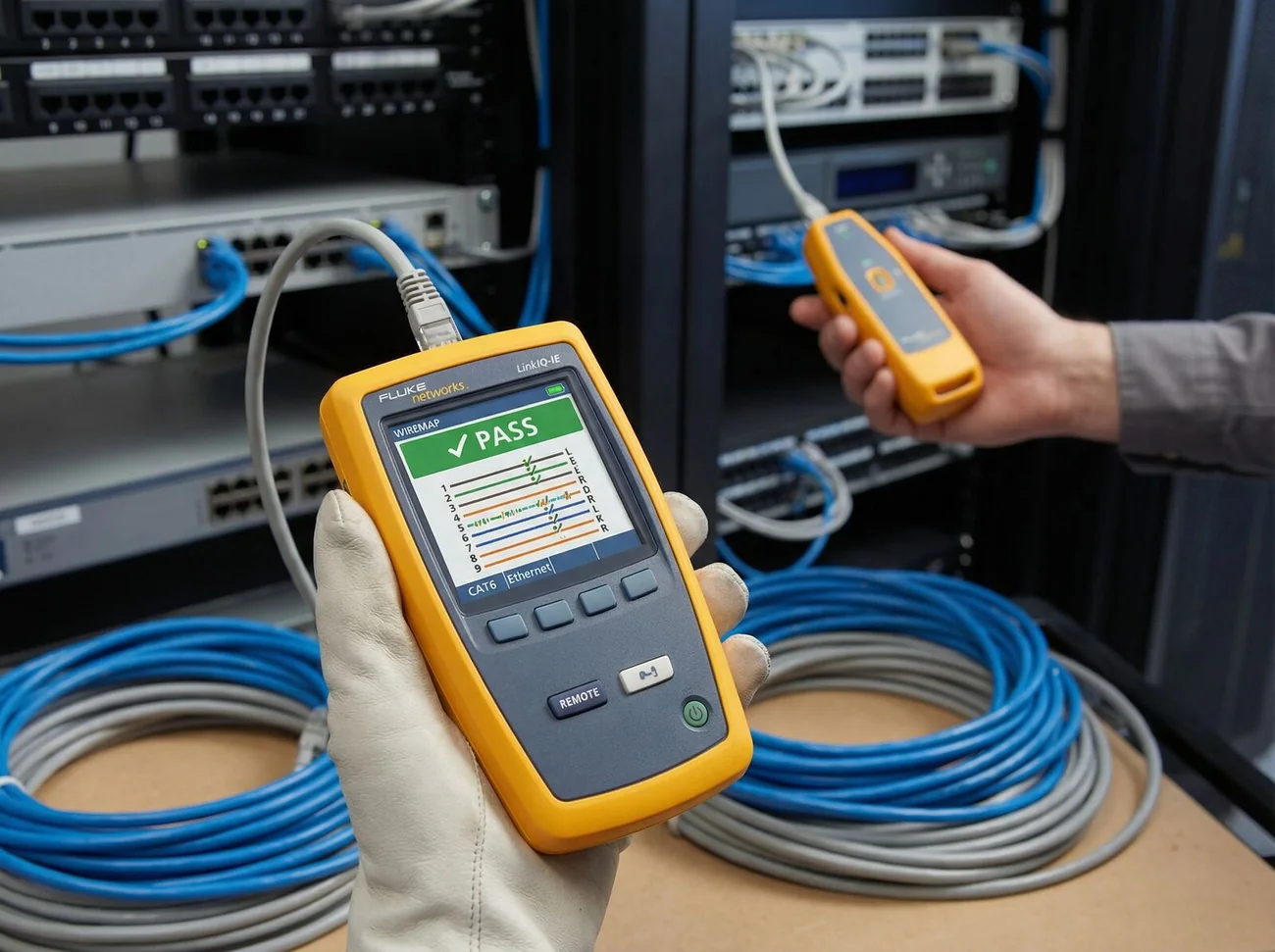
A CAT6 run is only as good as its two ends. Crimp the RJ45 on a straight-through pinout, keep the untwisted length at the connector under 13 mm, and test every run before the ceiling goes back up — a link that fails later costs a ceiling to find.
Frequently asked questions
Do I need CAT6 or is CAT5e enough?
CAT5e will carry PoE and camera data over 100 m and will work. CAT6 is the better choice for a new building installation because it has more headroom and better crosstalk performance where cables are bundled, and because the cost difference is small compared with the labour of pulling the cable. If the cabling will also carry building data, CAT6 is clearly the right answer.
How much cable does a camera installation need?
Average run length × cameras × 1.15 for routing and service loops, divided by the box length and rounded up. A sixteen-camera floor with 45 m average runs comes to roughly 828 m, or three 305 m boxes. Use the floor plan to establish the average rather than assuming a per-camera figure.
Can I run CAT6 outdoors?
Only with a UV-resistant jacket or inside conduit. Standard indoor cable degrades in sunlight, and the failure appears as intermittent link errors rather than a clean break, which makes it hard to diagnose. For a buried run, use direct-burial cable or conduit and leave a draw string for future cables.
How long can an HDMI run to a video wall panel be?
It depends on the resolution, and it falls as resolution rises. At 4K@60Hz the reliable distance on passive copper is short, and the top row of a wall is often further than that from the controller. Use active or optical HDMI leads for the long runs, and confirm the distances when you plan the wall rather than after the panels are mounted.
What accessories are needed for a video wall?
HDMI leads from the controller to each panel, power distribution for the panel row, and a mounting structure that allows a panel to be removed individually for service. On the rack side, add patch leads, a patch panel and cable management so the installation stays traceable — tracing an unlabelled bundle in year three is far more expensive than labelling it on day one.
Are the cables branded and boxed?
Cable and accessories are supplied to order in standard box lengths, with branding and packing confirmed against the order. Tell us the destination and the quantity and we will confirm what is available on the lead time you need.
Plan Your CCTV or Video Wall Project
Send us the building type, floor count and camera estimate — we will come back with a system layout, a bill of materials and a price.