Applications — Parking Lots
Parking Lot and Car Park CCTV Systems
A car park is the hardest place on a site to specify. Concrete columns break every sight line, headlights wipe out the frame at night, and the two cameras that matter most are over the entry and exit lanes, where a plate has to be readable and a driver recognizable. Get those two right first, then cover the ramps, the aisles and the stair cores.
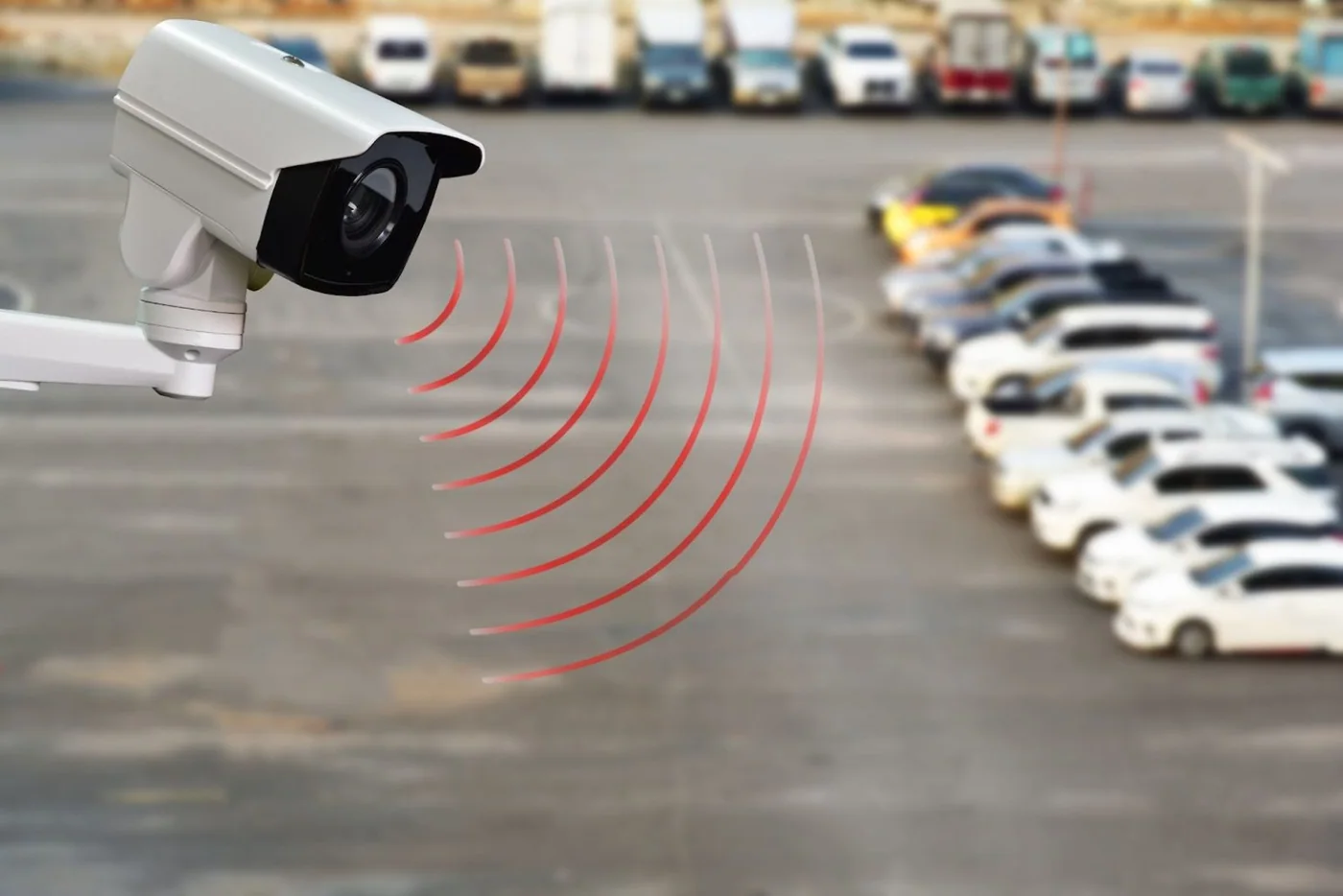
- Entry and exit lanes specified first
- Column shadows solved by camera geometry
- Plates readable at night, in colour
- Extend mode for poles beyond 100 m
What goes wrong
How this building type actually fails
- 01
Columns, ramps and low ceilings
A multi-storey car park has no long sight lines. Every column casts a shadow, every ramp changes the height, and the ceiling is usually too low for a camera to see over a van. Coverage has to be planned aisle segment by aisle segment, mounted high and aimed along the aisle, because a camera mounted across an aisle records cars and never plates.
- 02
Headlights and total darkness in the same frame
A camera facing traffic records headlights and nothing else; a camera in a corner with the lamps off records near-darkness. Both conditions exist on the same level at the same time. The design answer is geometric — mount at the top of a ramp facing down, never up — and the sensor answer is full colour low-light imaging, which holds colour without external lighting and without turning on the camera’s own LEDs.
- 03
Plate readability is a geometry problem
A plate is small, retro-reflective and moving. Whether it is readable in playback depends on the height, the angle and the distance from the lane camera to the plate, and on whether the camera is fighting headlights or glare at that moment. One camera per lane, mounted low and close with a shallow angle, is the configuration that works; a single wide camera over two lanes rarely produces a usable plate on either.
- 04
Long runs across open ground
Parking is usually the part of a site furthest from the building, and PoE over CAT6 stops at 100 m in standard mode. That pushes the design toward a cabinet in the middle of the lot or at level entry points, or toward Extend mode for isolated poles. Vehicles also hit things: bollards, poles and cameras are all in the same space, which is why mounting height and housings matter here more than in any other application.
Camera plan by area
The camera form is what decides what a position can actually capture. The forms and mounting heights below follow the specification sheets.
-
Entry lane and exit lane
Bullet (FC5B) per lane, 1.5–2.5 m, angled toward the approaching plate
One camera per lane, low and close. The plate needs to fill a predictable part of the frame; a wide camera over two lanes does not deliver that.
-
Ramps between levels
Bullet (FC5B) at the top of the ramp, facing down the slope
Facing down keeps headlights out of the frame and gives clean vehicle colour and plate background as the car arrives.
-
Drive aisles, segment by segment
Bullet (FC5B) or dome (FC5D) mounted high along the aisle, in line with it
Down-aisle geometry is the whole trick. A camera in line with the aisle sees plates and vehicle sides; a camera across the aisle sees roofs.
-
Level corners and pedestrian routes
Dome (FC5D) at each lift lobby, stair door and level entrance
Incidents concentrate at the transitions: lift lobbies, stairs and the pedestrian route to the exit. Use the vandal-proof housing for anything within reach.
-
Pay station and exit barrier
Dome (FC5D) over the pay station and the barrier line
Covers the transaction and the vehicle at the barrier in one frame, which is what a payment dispute or a barrier incident needs.
-
Surface lot perimeter and back fence
Bullet (FC5B) on poles, inward-facing
Where a run passes 100 m, add a mid-lot cabinet or use Extend mode rather than stretching copper and hoping.
-
Bicycle and motorcycle parking
Dome (FC5D) in a vandal-proof housing, above head height
These bays get targeted. The housing is what stops the camera becoming the second thing that is taken.
-
Stair cores and level landings
Dome (FC5D) in a vandal-proof housing at the top of each flight
Stairs are where confrontations and damage happen. One camera per landing, aimed down the flight, covers the route without filming into the parked cars below.
Configuration by building size
| Size | Channels | PoE | Storage |
|---|---|---|---|
| Surface lot, up to 8 positions | 10 channels (NVR10-1-2) | PS082 (8-port 120 W) or 1011GB in the booth cabinet | 1 × 14 TB; 10 channels at 5 MP for 30 days is roughly 3–5 TB |
| Multi-storey car park, 16–32 positions | 32 channels (NVR32-2-2) | PS242, 24-port 320 W per level cabinet, or one per two levels with a mid-level cabinet | 2 × 14 TB; entry and exit lanes at 5 MP for 30 days fit comfortably alongside the aisles |
| Site or campus parking, 49–64+ positions | 49 or 64 channels (NVR49-4-2, NVR64-8-2) | A cabinet per zone with an SFP uplink on the 24G02GS-P; Extend mode for outlying lots | NVR64-8-2 with 8 bays, sized on 8–15 GB per channel per day |
Figures are planning ranges at 5 MP with H.265+ and a thirty-day retention policy. The system planner page shows the formulas so you can run the numbers against your own floor plan.
Power and cabling points
- Put the cabinet where the parking is, not where the building is. A cabinet at the center of a lot halves the longest run; where the furthest pole exceeds 100 m in standard mode, either add a cabinet or move that port group to Extend mode, which reaches 250 m at 10 Mbps with port isolation.
- One lane, one cable, one port. Entry and exit cameras should not share a switch with sixteen aisle cameras if it can be avoided: keep the lane positions on a switch with spare capacity so a single fault never takes out the camera that reads plates.
- Run outdoor CAT6 in conduit and keep the switch indoors or in a locked, vented cabinet. A PoE switch on an open mast is a maintenance problem looking for a storm, and the lane cameras are the ones you lose first.
- Count the PTZ separately when you add up the power budget. A roaming PTZ over the lot draws more than a fixed camera, and it should be added on top of the fixed lane positions rather than instead of them.
- Test the lanes after dark with real vehicles on dipped headlights, and test a ramp position with a car coming up it. A lane camera that reads a plate at noon and smears it at 19:00 is the most common handover failure on a parking job.
More of this building type
- 01
Entry and Exit Lanes: The Two Cameras That Matter
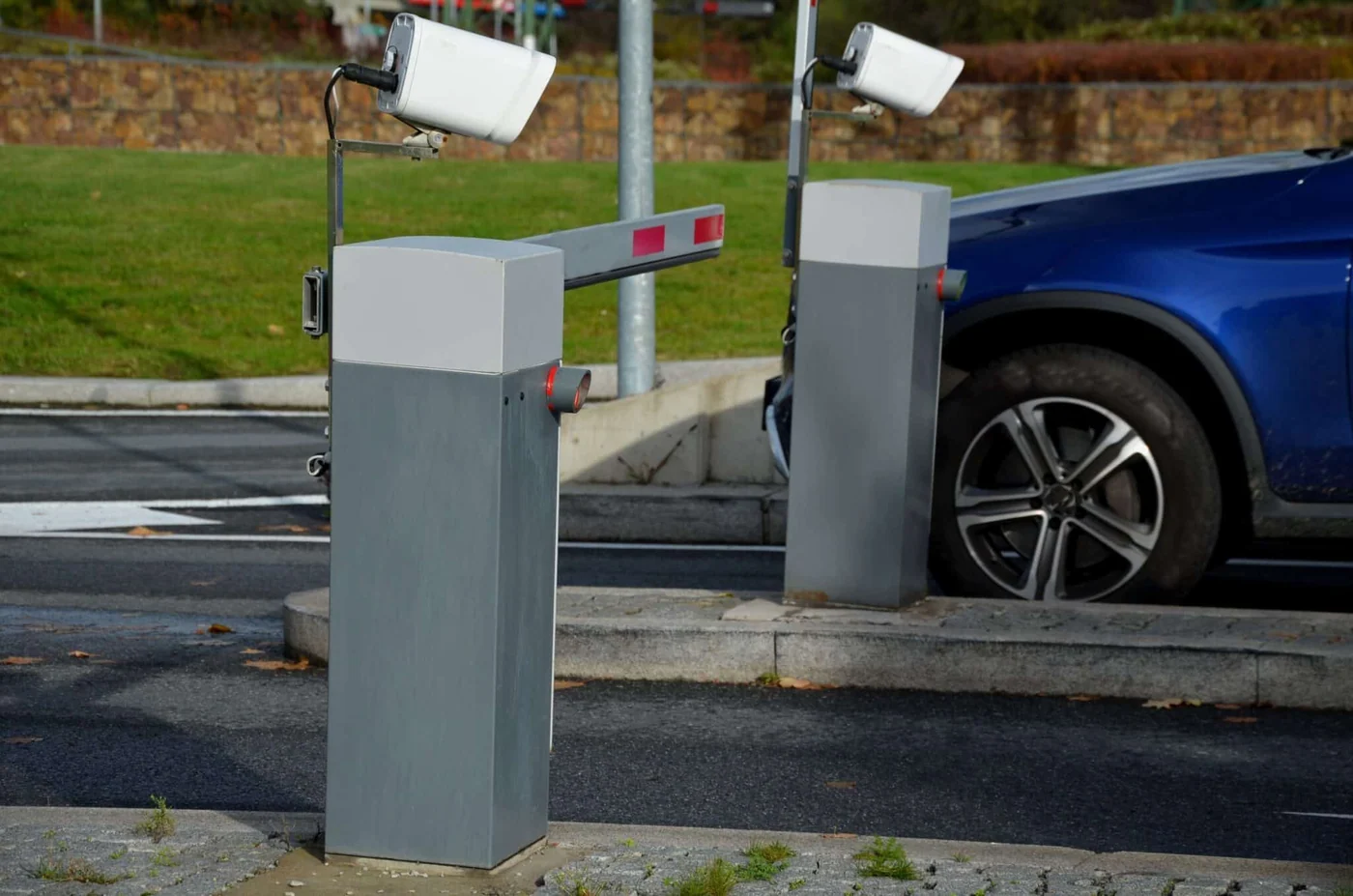
If a car park system only ever does two things well, they should be the entry lane and the exit lane. Everything else — a scrape in aisle 4, a bike taken from the rack, a confrontation by the stairs — is resolvable with adequate coverage, but a plate that was never captured cannot be recovered later. The lane position is therefore specified first, before the aisles are laid out.
The geometry is not complicated. Mount at 1.5–2.5 m, close to the lane, angled toward the approaching plate so the plate faces the lens as it approaches rather than receding. One camera per lane, dedicated. As a rule of thumb, keep the horizontal angle shallow — a plate viewed at 45 degrees loses digits — and keep the camera low enough that headlights do not flood the frame. Test with a real vehicle on dipped headlights, because the failure mode only appears at night.
- 02
Column Shadows and Why Aisle Direction Wins
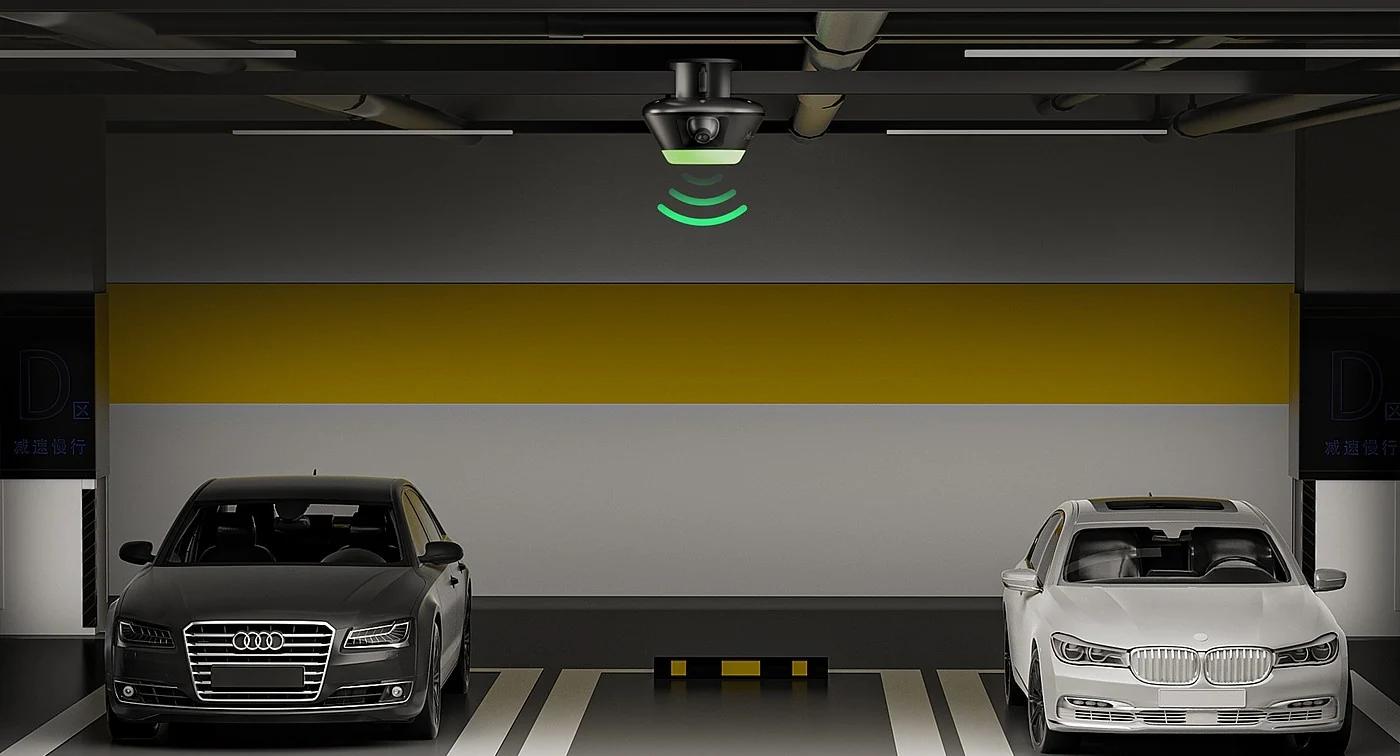
Inside a car park the constraint is line of sight. Columns break the level into segments, and a camera mounted high in a corner sees the top of a van and the far wall — not the bay it is supposed to cover. The reliable approach is to treat the aisle, not the level, as the unit: mount cameras high, in line with the aisle, and cover each segment from one end. Where a segment is long, cover it from both ends rather than raising the camera, because raising it makes headlights worse and faces smaller.
A 5 MP frame is enough to identify a person and a vehicle in an aisle-width shot, and not much more than that. Spending the same sensor on a 60 m diagonal view of an open level produces a picture that shows where cars are and not who is with them. Deciding up front what each aisle position is for — vehicle movement, pedestrian identification, or both — is what keeps the channel count honest.
- 03
Night Performance: Colour, Headlights and Site Lighting
Unlit car parks are where the specification is really tested. The 5 MP full colour low-light series keeps colour in conditions down to 0.1 Lux without external floodlights and without switching on the camera’s own LEDs, so a level with only emergency lighting still yields vehicle colour and plate backgrounds instead of a silhouette. That also means you do not need to keep every level lit all night to keep the CCTV useful.
Two conditions still need to be designed for. Headlights, which are handled by geometry rather than settings: aim ramps downward, keep lane cameras out of the direct beam path, and avoid pointing any camera into the exit lane from the far end. And absolutely no light at all, where the camera’s built-in fill light maintains the colour image. If a level is genuinely unlit, put that in the design notes so the position is planned and tested for it rather than assumed.
- 04
Handing Over a Car Park System
The operator of a car park system is usually a booth attendant, a control room with several screens, or both. For a single surface lot or one level, a 4K monitor on the recorder output (HDMI up to 3840 × 2160, layouts of 1/2/4/6/8/9/10/16) with the lanes permanently visible is the right setup, and it is the one that gets checked every morning. For a site with several levels or several lots, the decoder server driving a 2×2 or 3×3 wall — 2 HDMI 2.0 4K@60 Hz outputs per card and up to 36 splits per card in a 14-slot chassis — keeps every entry lane and ramp on screen at once.
Whatever the display, the handover should include three things: a documented night test on each lane with a real vehicle, an export procedure the attendant can follow without an engineer, and channel names that match the signs on site — "Level 2 entry ramp", "surface lot north exit" — so a request for footage is a search rather than a translation.
Frequently asked questions
How many cameras does a multi-storey car park need?
Work level by level, then add the transitions. A two-level structure might need 2 at the entry and exit lanes, 2 on the ramps, 4–6 per level on the aisles, 2–4 per level at lift lobbies and pedestrian routes, 2 at the pay station and exit barrier, 2 on stair landings and 4 on the surface perimeter: roughly 24–30 positions, which fits a 32-channel recorder. Doubling the levels doubles the aisle and lobby counts, and that is when the 49- or 64-channel chassis becomes the sensible choice rather than adding a second recorder.
Can the cameras read number plates?
They capture plates, and whether a plate is readable in playback depends on geometry, distance and light — height, angle, one camera per lane and no headlights in the frame. That is what we specify for, and it is what makes a hit-and-run or a barrier dispute reviewable. Automatic recognition, list matching and barrier automation are a software layer on top of the camera, not a property of it; if your project needs that, say so and we will be explicit about what the hardware delivers and what it does not, rather than selling a capture camera as a recognition system.
How do we cover an unlit car park at night?
With camera choice and geometry rather than a lighting upgrade. The FC5B, FC5D and FC5P-PTZ are full colour low-light cameras and hold colour in conditions down to 0.1 Lux without external floodlights and without switching on their own LEDs, so a level with minimal lighting still shows vehicle colour and plate backgrounds. Where there is absolutely no light at all, the built-in fill light maintains colour. The other half of the answer is mounting: cameras at the top of ramps facing down, lane cameras out of the headlight path, and no position where an oncoming vehicle points straight into the lens.
What cable distances are involved in a car park?
PoE over CAT6 is limited to 100 m in standard mode, which is why a lot usually needs a cabinet at its center, or one per level in a structure, rather than a single run from the building. Where a pole or a gate is 100–250 m from the nearest cabinet, Extend mode carries power and data at 10 Mbps with port isolation on ports 1–8, which is sufficient for one recording stream per camera. Beyond 250 m, or where several outlying lots need covering, the answer is a local cabinet fed over the SFP uplink of a 24G02GS-P.
Will the cameras survive rain, dust and vehicle damage?
The FC5B and FC5D are supplied as 38 × 38 mm board-level modules, so they carry no protection rating of their own — outdoor use means specifying an enclosure, and we match the housing to the site rather than leaving it to the installer. The FC5P-PTZ is a complete unit for pole mounting. On a car park the other two decisions matter as much as the housing: mount above the height of a mirror or a tailgate, and keep the PoE switch indoors or in a locked, vented cabinet rather than on an open mast where it takes the weather and the traffic.
How much storage do the lanes and aisles need?
At 5 MP with H.265+, budget 8–15 GB per channel per day. Sixteen channels therefore need 4–7 TB for 30 days, 32 channels need 8–14 TB, and 64 channels need 15–29 TB. In practice a car park is a good candidate for grouped retention: hold the entry lane, exit lane, pay station and stair channels for 60 or 90 days, since those are the positions that feed disputes and claims, and keep the general aisle coverage at 30 days. The 32-channel and larger recorders take 18 TB drives in two to eight bays, so the longer window is a drive decision rather than a compression decision.
The rest of the system
A building system is not only cameras: the switch powers every position, the cable carries power and data together, the recorder keeps the footage, and the wall or a client makes it visible. Each of these has to be sized on the same bill of materials as the cameras.
-
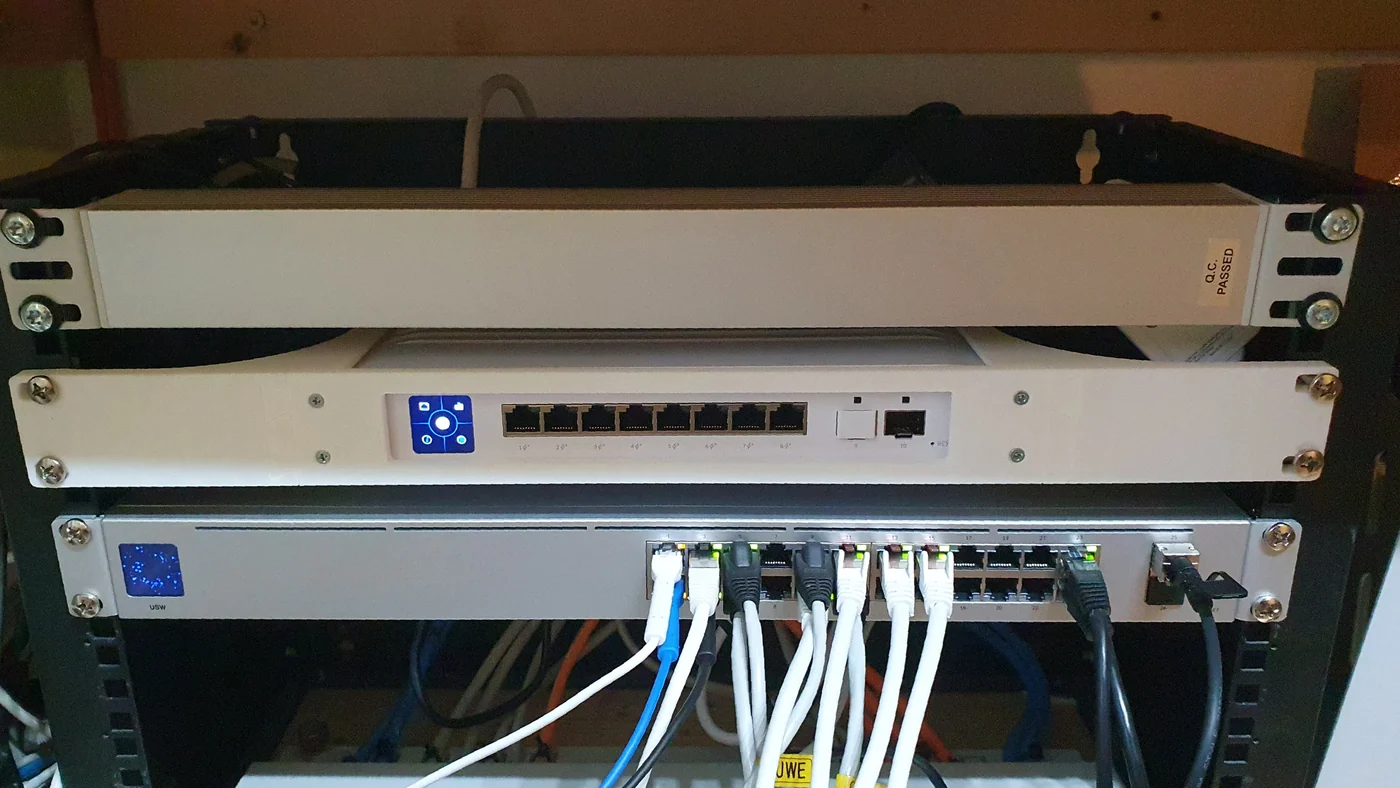
PoE switch installed in a communications cabinet
-
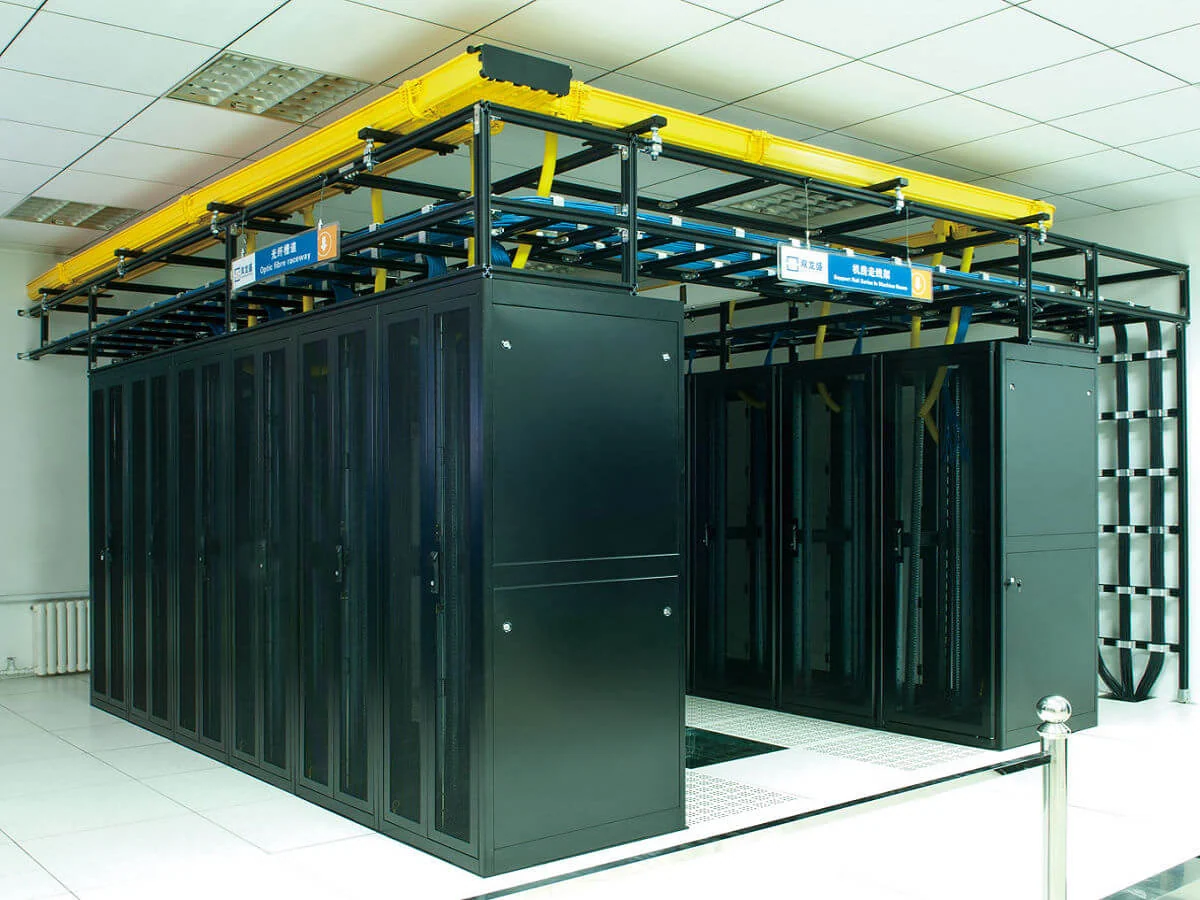
Equipment room with network and recording racks
-

Installing a surveillance drive into a recorder
-
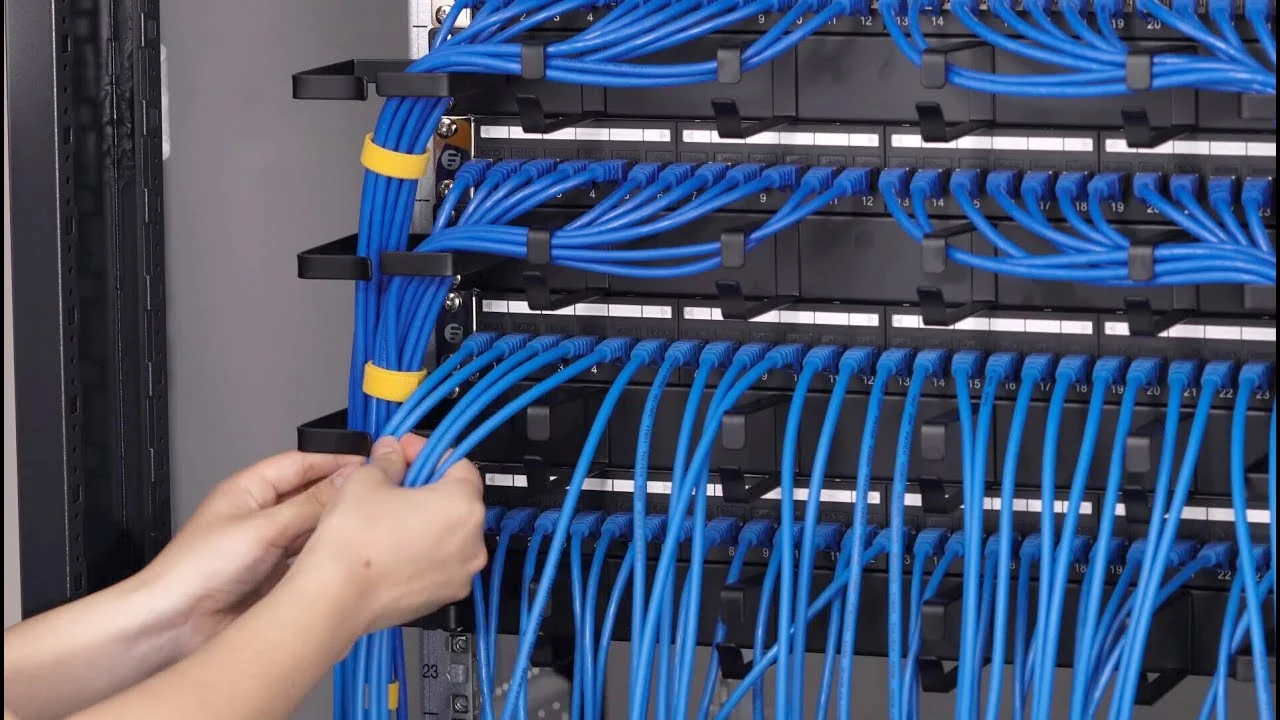
Terminating and dressing patch panel links
-
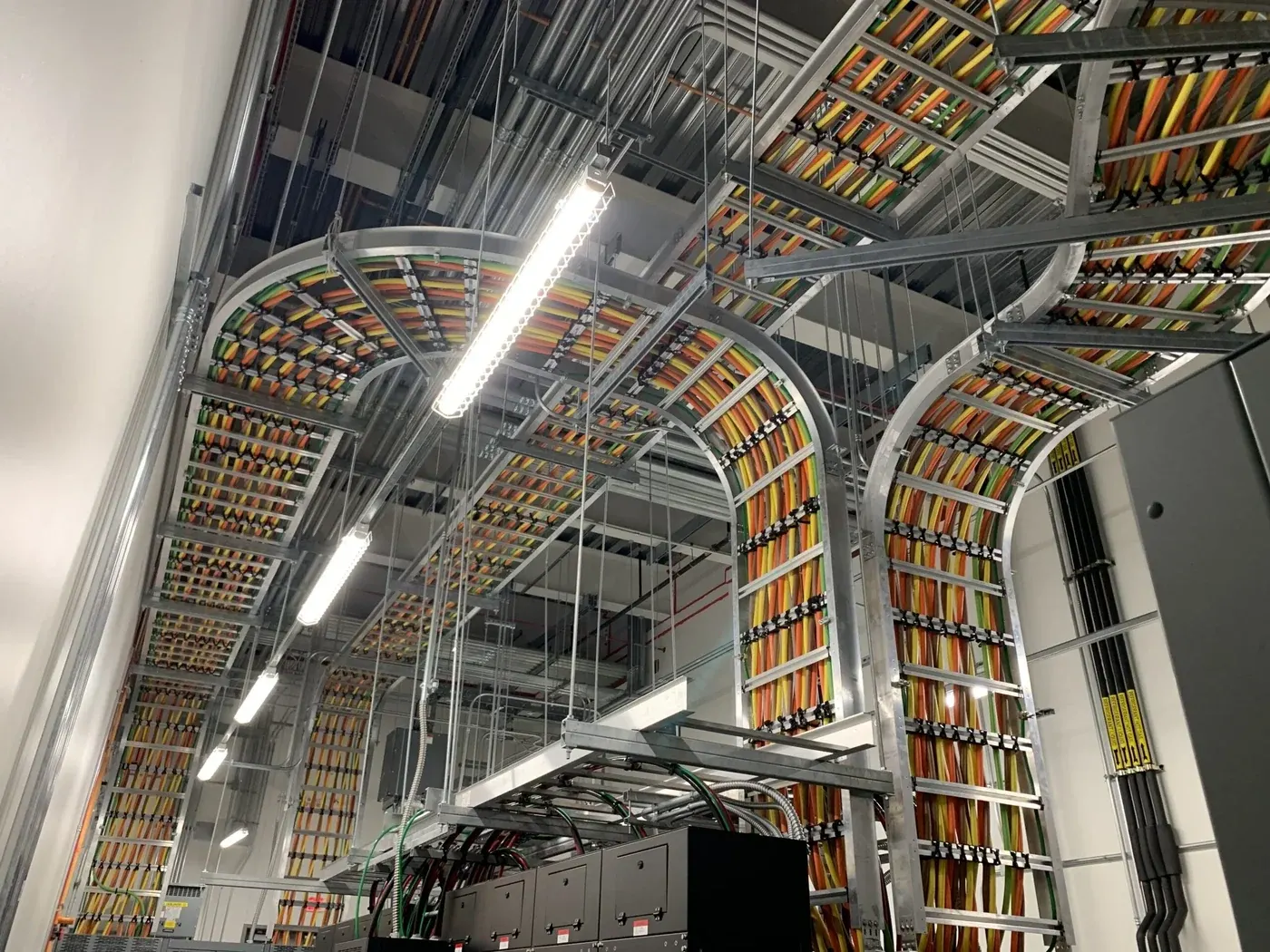
CAT6 runs routed in a ceiling cable tray
-
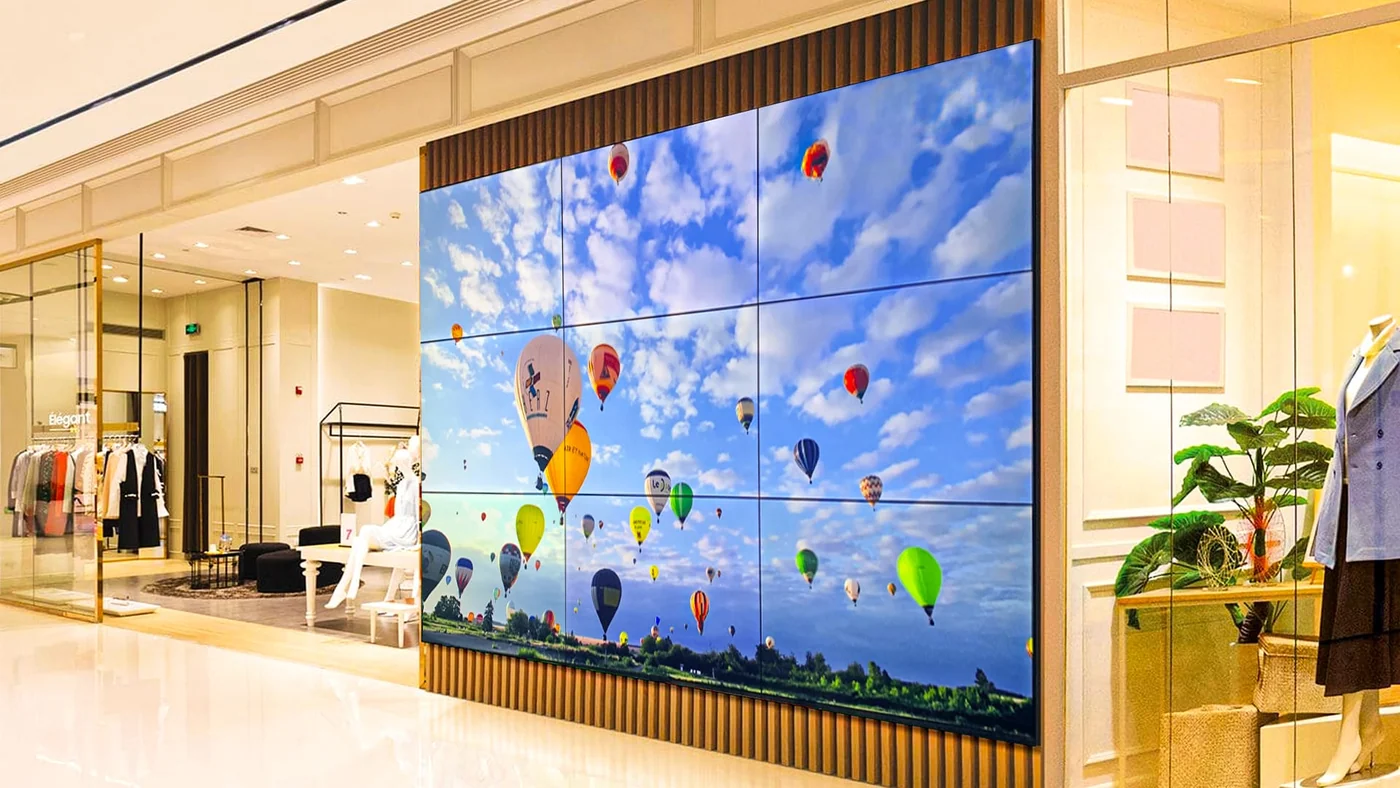
Video wall installed in a building lobby
Related products
Planning a system for this building type?
Send us the building type, floor count and camera estimate — we will come back with a system layout, a bill of materials and a price.