Applications — Warehouses & Factories
Warehouse and Factory CCTV Systems for Industrial Sites
A warehouse is a long, tall, dusty building with racking that blocks sight lines, dock doors that stand open all day and a yard where plate detail decides a claim. The camera plan follows the goods — gate, dock, aisle, high-value store, exit — and the hardware chain underneath is the same one used in every building: camera, PoE switch, CAT6 cable, recorder, display. A single shed usually lands between 16 and 48 channels; a multi-bay site with a yard moves past 64.
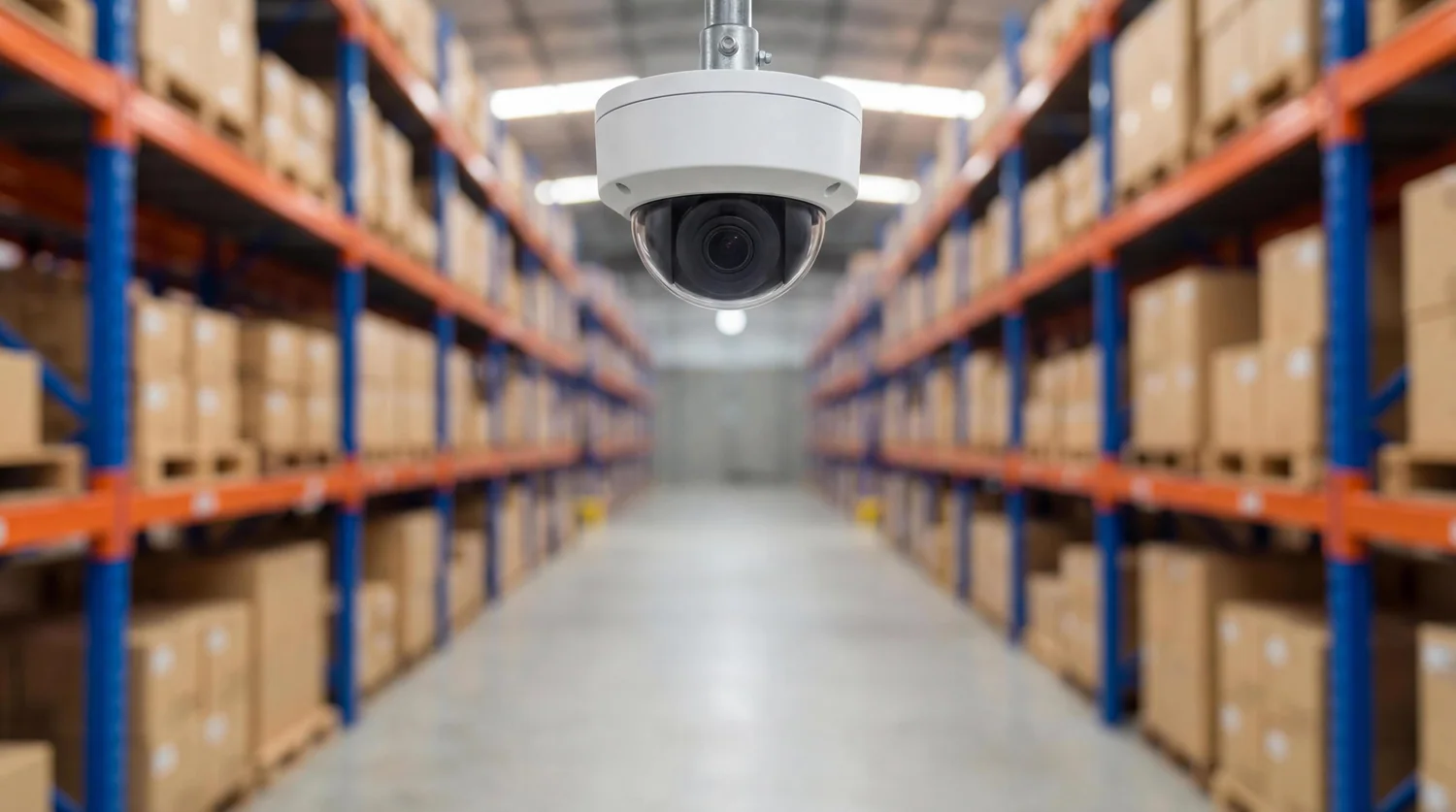
- Racking shadows solved by geometry, not megapixels
- Dock, gate, aisle and high-value store first
- Extend mode for poles beyond 100 m
- Full colour in unlit aisles on night shift
What goes wrong
How this building type actually fails
- 01
Racking turns one building into hundreds of blind spots
A camera at the end of an aisle sees the aisle. The same camera moved two meters sideways sees the tops of pallets and nothing else. Planning has to be aisle by aisle, with the mounting height set below the top beam, because racking gets re-configured and a camera designed around today’s layout stops earning its keep the first time the warehouse is re-slot.
- 02
Dock doors and the yard have no natural mounting points
A dock face is steel and concrete, the yard is open ground, and both are lit unevenly. Cameras end up on structure or on poles several meters back, where the trailer itself blocks the view if the height is wrong. The yard also brings the one problem no camera setting fixes: a camera aimed toward the site exit spends the night looking at headlights.
- 03
Dust, heat and vibration are continuous
Forklifts vibrate whatever they touch, dock fans and plant move air all day, and fine dust settles on every lens and every connector. This is a housing and maintenance question rather than a resolution question: the camera form and its enclosure, the mount rigidity and a cleaning interval that matches the site are what keep the picture usable in month twelve.
- 04
Night shift light levels change by the hour
Picking aisles are lit while a shift is running and dark when it ends; the yard may have nothing but a pole light at the gate. Colour is not cosmetic on an industrial site — it is how a load type, a hi-vis vest, a vehicle or a pallet label gets described in a claim. Full colour low-light imaging is what keeps that available when the lights are off and no external lighting has been added.
Camera plan by area
The camera form is what decides what a position can actually capture. The forms and mounting heights below follow the specification sheets.
-
Site gate and weighbridge
Bullet (FC5B) in a housing, 3–4 m, one per lane, angled to the plate
Capture inbound and outbound separately. With a truck stopped at the gate, a still from the lane camera is the reference for what the load looked like on arrival.
-
Yard and trailer park
PTZ (FC5P-PTZ) on the tallest mast or building corner, plus one fixed bullet on the gate
One PTZ covers a yard that would otherwise take six fixed cameras. Keep a fixed camera on the gate as well, so there is always a permanent record even while the PTZ is pointed elsewhere.
-
Loading docks
Bullet or dome (FC5B/FC5D) per dock, 4–6 m, looking slightly down
Frame the dock face and the floor line of the trailer. Mounted too high, the trailer roof blocks the load; mounted too low, the camera sees the back of a curtain.
-
Racking aisles
Bullet (FC5B) at each aisle end, in line with the aisle
Down-aisle is the only angle that shows a pallet actually moving. One camera per aisle end, mounted to the structure rather than to the racking itself.
-
Goods-in, dispatch and paperwork point
Dome (FC5D) over the counter where loads are signed for
The signature is the moment a load becomes the site’s responsibility, so the camera should see the paperwork and the person signing it in one frame.
-
High-value store, cage and tool crib
Dome (FC5D) inside the door and over the rack run
Two positions minimum: the door shows who came in, the rack shows what left. One camera covering both usually manages neither.
-
Production floor and line ends
Dome (FC5D) above the line, one per bay
Overhead domes read the work area without putting a camera inside the machinery envelope, and they survive a re-layout better than a camera tied to a specific machine.
-
Perimeter fence, emergency exits and plant rooms
Bullet (FC5B) on poles, inward-facing, plus domes on generator and fuel store doors
Cover the cut-through routes in the fence and the doors nobody uses during the day. Generator, fuel and sprinkler valve rooms get a door position each.
Configuration by building size
| Size | Channels | PoE | Storage |
|---|---|---|---|
| Single shed, 1,000–3,000 m², up to 16 positions | 16 channels (NVR16-1-2) | One PS162, 16-port 250 W | 1 × 14 TB holds 16 channels at 5 MP for 30 days, at 4–7 TB total |
| Multi-bay site, 3,000–8,000 m², 24–32 positions plus yard | 32 channels (NVR32-2-2) | PS242, 24-port 320 W indoors, with a PS082 or 1011GB in the gate cabinet | 2 × 14 TB; add drives rather than reducing resolution to buy retention days |
| Large plant or logistics site, 49–64+ positions | 49 or 64 channels (NVR49-4-2, NVR64-8-2) | A cabinet per bay with an SFP uplink on the 24G02GS-P; Extend mode out to the far gate | NVR64-8-2 with 8 bays; 64 channels at 8–15 GB per day means 15–29 TB for 30 days |
Figures are planning ranges at 5 MP with H.265+ and a thirty-day retention policy. The system planner page shows the formulas so you can run the numbers against your own floor plan.
Power and cabling points
- One cabinet per bay, not one for the site. A 120 m shed cannot be covered from one end — the 100 m PoE limit is a property of copper, not a preference, and the camera at the far end is the one that drops out first in hot weather.
- Extend mode is the answer for the outer gate and the yard poles. Set the DIP to ON and ports 1–8 carry power and data to 250 m at 10 Mbps with port isolation; budget one main stream per camera on those ports and leave the rest of the switch in standard mode.
- Keep the switches indoors. A cabinet on an open yard pole is a failure waiting for the first storm season; run the CAT6 back to a cabinet in the nearest building and keep every run inside the 100 m budget.
- Write the housing list into the bill of materials. The FC5B and FC5D are 38 × 38 mm board-level modules with no weather rating of their own, so every outdoor, dock or yard position needs the enclosure you specify — and the dock face and yard positions need the vandal-proof type.
- Label both ends of every cable with bay, aisle and camera number. On a site this size the next engineer is usually not the one who installed it, and the difference is a ten-minute fix instead of a day of tracing.
More of this building type
- 01
Designing Around Racking and Aisle Geometry
The aisle is the unit of design in a warehouse, not the square meter. Walk the racking and decide for each aisle whether it needs one camera at one end or one at each end: a 40 m aisle with a single camera at the entrance end shows a pallet leaving but not a pallet being loaded at the far bay. Two cameras facing each other down the same aisle is a common and correct industrial specification.
Mounting height is the second decision. A camera set above the top beam sees the top of the racking and the crown of every forklift; a camera set below the beam, offset toward the aisle centerline, sees the pallet face and the operator. Where racking is expected to change, mount to the building structure and accept a longer bracket, so a re-slot does not invalidate every camera position.
- One camera per aisle end as the starting point; add the second end on long or double-deep aisles.
- Mount below the top beam and offset from the racking uprights, never on the racking itself.
- Leave the last 2 m of aisle out of the required coverage envelope; that is where the pallet blocks the lens.
- Plan for re-slotting by keeping aisle cameras on the building structure with accessible cabling.
- 02
Night Shift, Unlit Aisles and Load Detail
Industrial sites rarely go dark uniformly. A picking aisle is lit during the shift, then switched off; the yard keeps one pole light for security; the dock keeps its own lamps. The cameras have to hold a usable image across all of those conditions. The 5 MP full colour low-light series produces colour in conditions down to 0.1 Lux without external floodlights and without switching on the camera’s own LEDs, which means a claim about a load, a pallet label, a jacket or a vehicle can still be settled from colour footage.
The honest limit belongs in the specification too: in absolutely no light at all, the built-in fill light is what maintains colour. On a site with genuinely unlit aisles, say so at design stage — the answer may be one aisle camera position per two aisles rather than per aisle, and it is better to know that before the cabling is quoted.
- 03
Common Rework on Industrial Jobs
- Cameras bolted to racking: the racking is re-configured within a year, and the picture is never quite straight because the structure moves.
- No switch in the second bay, so a 60 m building is covered from one end and the far cameras lose power on long copper runs.
- Dock cameras aimed into the dock lamps, producing a white frame every time a truck arrives with lights on.
- No night test with a moving forklift. Static commissioning misses the vibration, the headlights and the dust in the air.
- Board modules mounted outdoors without a housing, or with a housing chosen for appearance rather than for the site.
- 04
Monitoring and the Gatehouse Screen
Industrial sites watch differently from offices: the person monitoring is usually at the gate, the priorities are the gate lanes, the yard and the dock doors, and the screen has to be readable while standing. A single 4K monitor on the recorder output (HDMI up to 3840 × 2160, layouts of 1/2/4/6/8/9/10/16) covers 16 to 32 channels with the gate and yard permanently visible.
Where the yard PTZ is genuinely used for patrolling the trailer park, add the network PTZ keyboard (YK-41DP or C300) at the gate — a joystick and preset keys turn a camera into a patrol tool rather than a picture. For larger sites with a permanent security room, a 2×2 wall on the decoder server (2 HDMI 2.0 4K@60 Hz outputs per card, up to 36 splits per card, 14-slot chassis) keeps gate, docks, perimeter and yard on screen at the same time without cycling layouts.
Frequently asked questions
How many cameras does a warehouse need?
Work by zone, then add. A single 2,000 m² shed typically needs 2 at the gate (one per lane), 2 covering the yard, 2–4 at the dock doors, 4–8 in the racking aisles, 2 in the high-value store, 1 over the dispatch counter and 2 on the perimeter: roughly 15–21 positions, which is why 16-channel and 32-channel recorders cover most single sheds. Multi-bay sites and separate yard coverage push the count past 32 and often past 49, at which point the recorder and the storage plan matter more than the camera count.
Can cameras be mounted on the racking itself?
We advise against it wherever there is an alternative. Racking moves during re-slotting, transmits forklift impact, and puts the camera where a pallet can reach it. Mount to the building structure or to a column, with a bracket long enough to bring the camera below the top beam. Where racking is the only option — for example a mezzanine pick face — use a rigid bracket, accept that the position will need re-aiming after any racking change, and record it in the as-built so the next engineer knows why the picture looks like that.
How do you cover a 150 m loading bay on PoE?
You do not try to cover it from one end. PoE over CAT6 is specified to 100 m in standard mode, so a bay of that length gets a cabinet at mid-bay or behind the dock offices, with every run under 100 m at full port speed. The alternative for a genuinely remote position is Extend mode: ports 1–8 on the switch reach 250 m at 10 Mbps with port isolation, which is plenty for one recording stream per camera. Use Extend mode for a distant yard pole, not for the dock cameras you also want to watch live in a multi-view layout.
Do the cameras work at night without turning the lights on?
Yes, within the limits of physics. The FC5B, FC5D and FC5P-PTZ are full colour low-light cameras and produce colour images in conditions down to 0.1 Lux without external floodlights and without switching on their own LEDs. That covers a yard lit by one pole, an aisle with the picking lights off, or a dock with spill light from the office. In absolutely no light at all, the built-in fill light maintains colour. What the camera cannot do is manufacture detail that is not there — state the worst-case lighting per position and the plan will say which positions need a lighting decision rather than a camera decision.
How much storage does a factory need for 32 channels and 30 days?
At 5 MP on H.265+, budget 8–15 GB per channel per day. Thirty-two channels therefore need 8–14 TB for 30 days, which an NVR32-2-2 covers with two 14 TB drives. If the site wants 60 days, plan on 16–29 TB and either a 49-channel chassis with more bays or a second recorder dedicated to the critical channels — gate, dock and high-value store — with the perimeter on a shorter window. Concentrating retention on the channels that settle claims is usually smarter than extending every channel equally.
What housing do outdoor industrial cameras need?
The FC5B and FC5D are supplied as bare 38 × 38 mm board-level modules, so they carry no protection rating of their own — the enclosure is part of the specification, not an accessory. Every outdoor, dock, yard or dusty indoor position needs a housing chosen for the site, with the vandal-proof type where a vehicle, a pallet or a person can reach the camera. The FC5P-PTZ is supplied as a complete unit for pole or corner mounting. Send us the site conditions and we will match the housing in the quotation rather than leave it to the installer.
The rest of the system
A building system is not only cameras: the switch powers every position, the cable carries power and data together, the recorder keeps the footage, and the wall or a client makes it visible. Each of these has to be sized on the same bill of materials as the cameras.
-
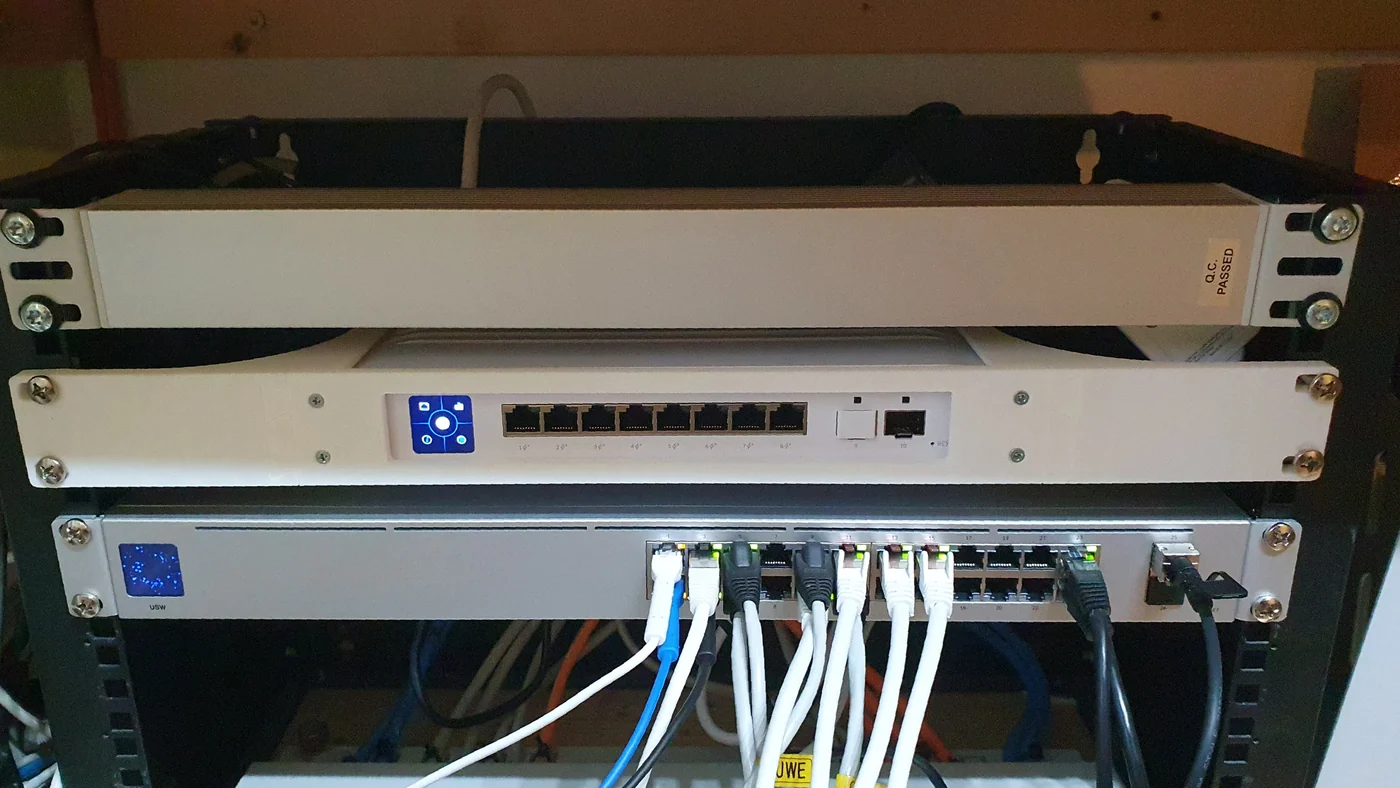
PoE switch installed in a communications cabinet
-
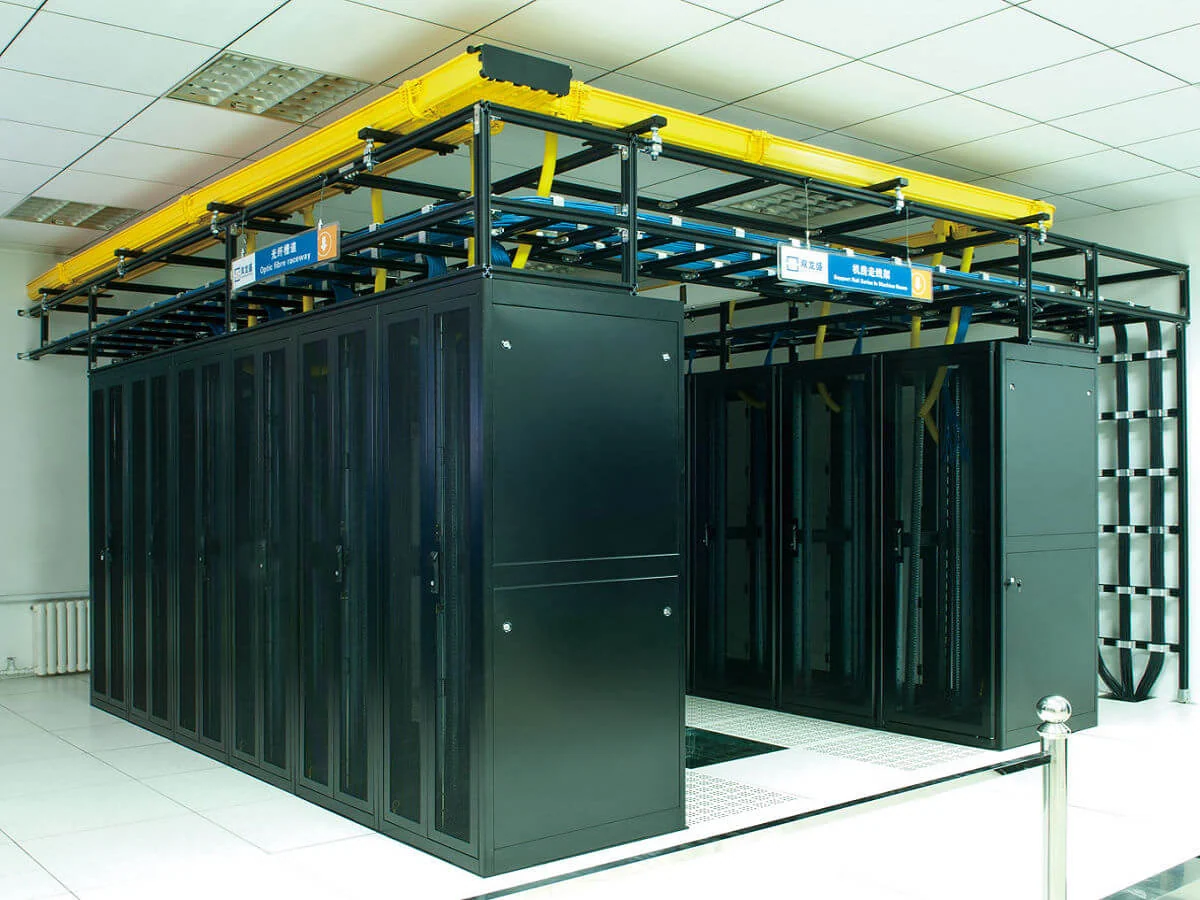
Equipment room with network and recording racks
-

Installing a surveillance drive into a recorder
-
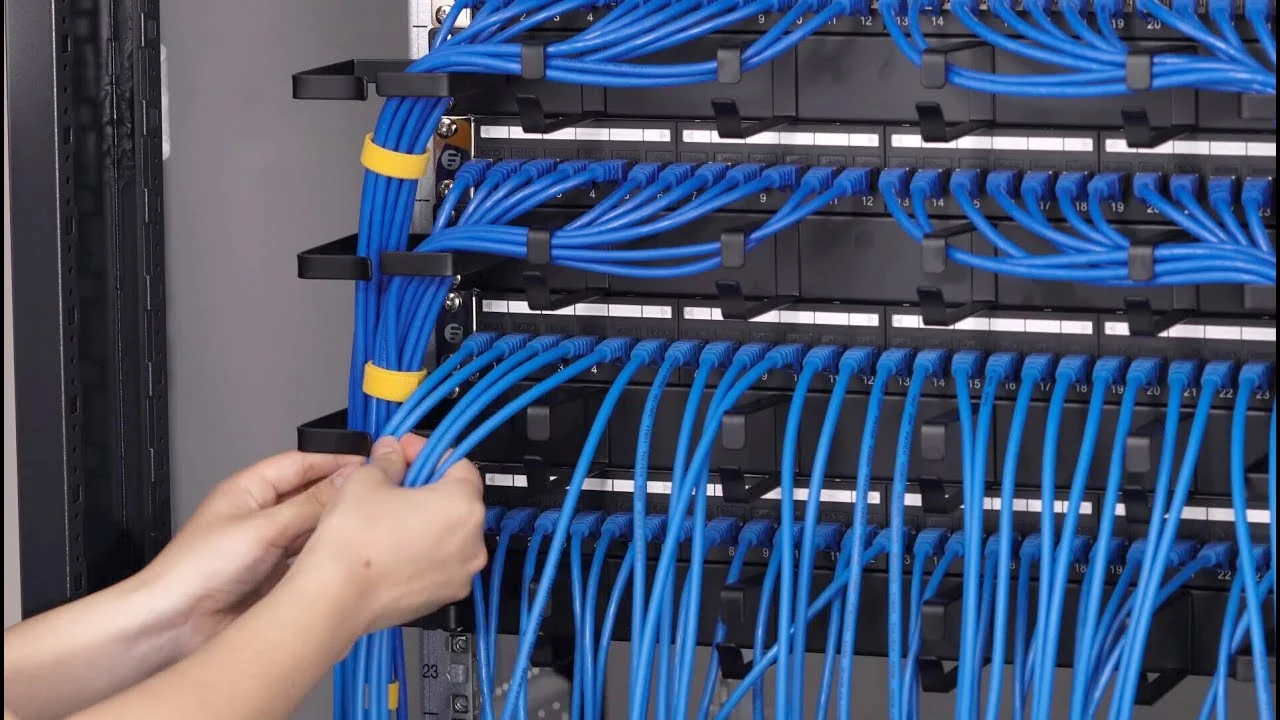
Terminating and dressing patch panel links
-
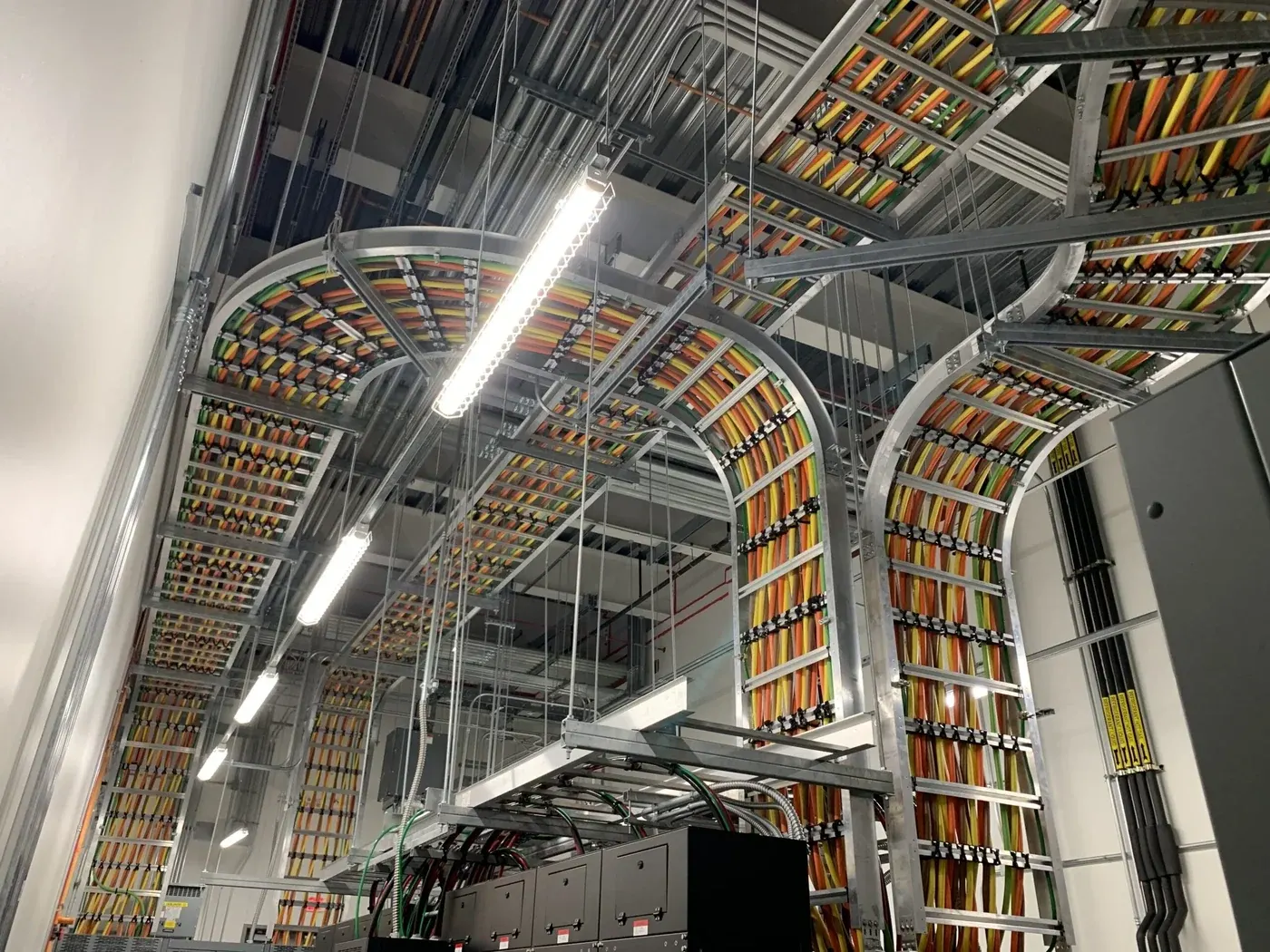
CAT6 runs routed in a ceiling cable tray
-
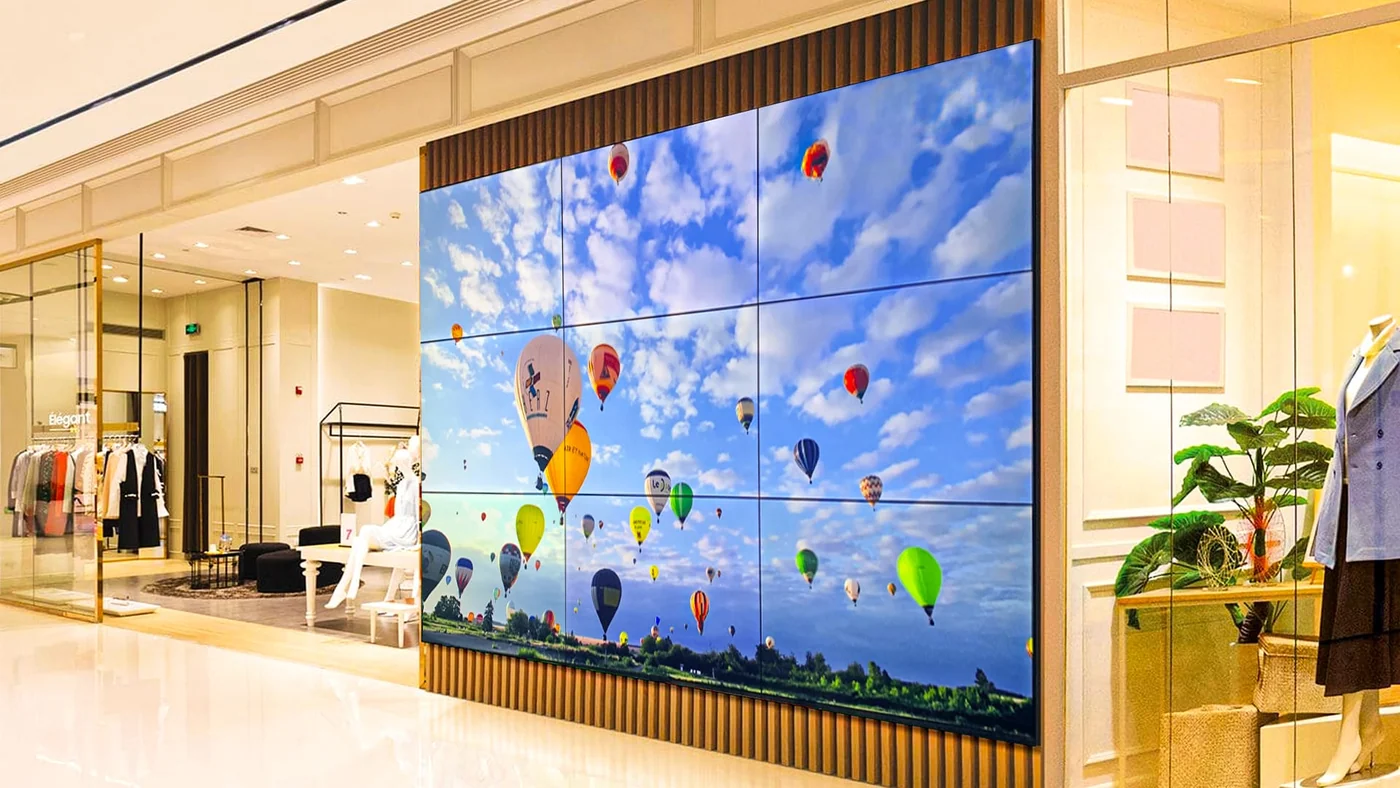
Video wall installed in a building lobby
Planning a system for this building type?
Send us the building type, floor count and camera estimate — we will come back with a system layout, a bill of materials and a price.