Recording & Display
Video Wall Systems for Control Rooms
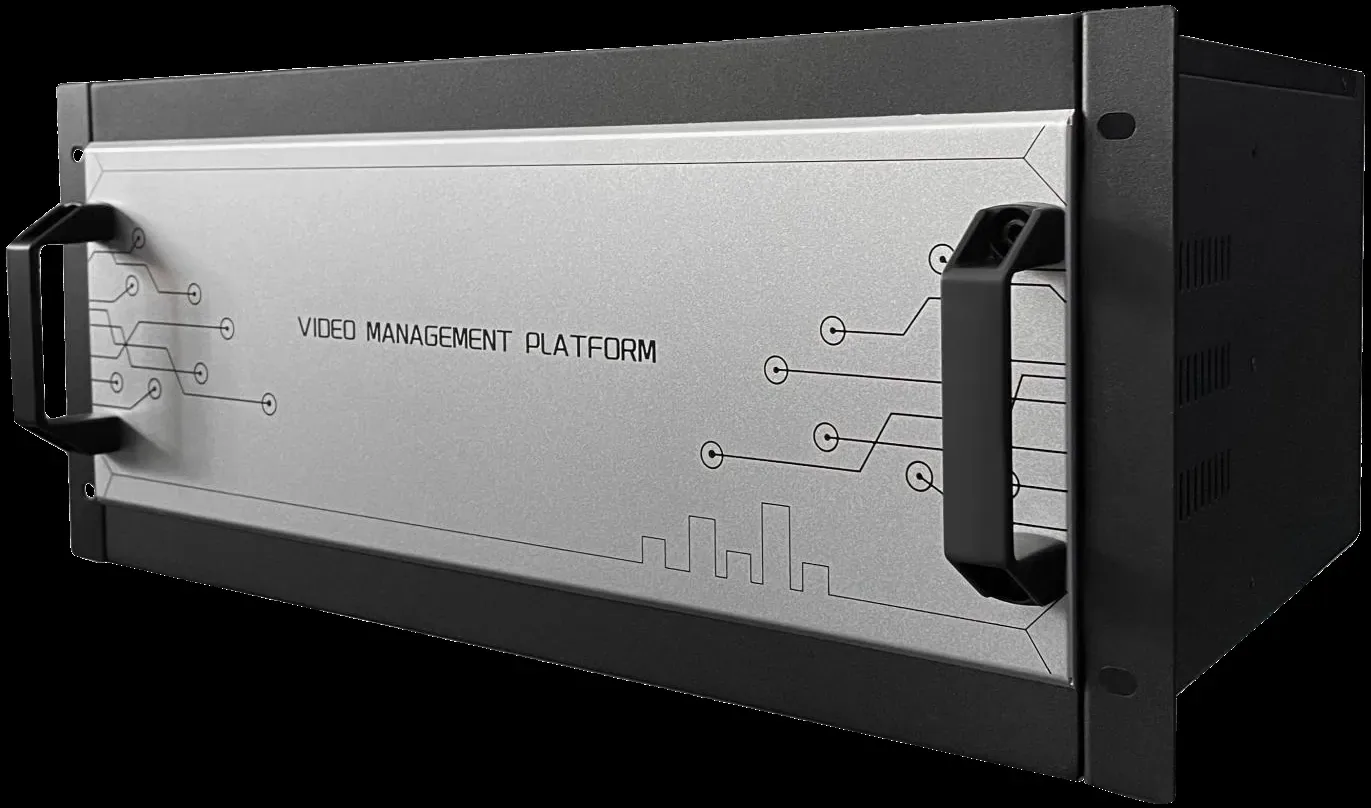
The signal layer of a control room: a modular video integrated management platform, 4K@60Hz decoding servers, operator keyboards and the software that puts cameras, recorders and third-party sources onto one wall.
- Modular 14-slot chassis
- IP, analogue, HDMI and VGA sources
- 4K@60Hz decoding per card
- Operator keyboard on the same layer
What a video wall system actually consists of
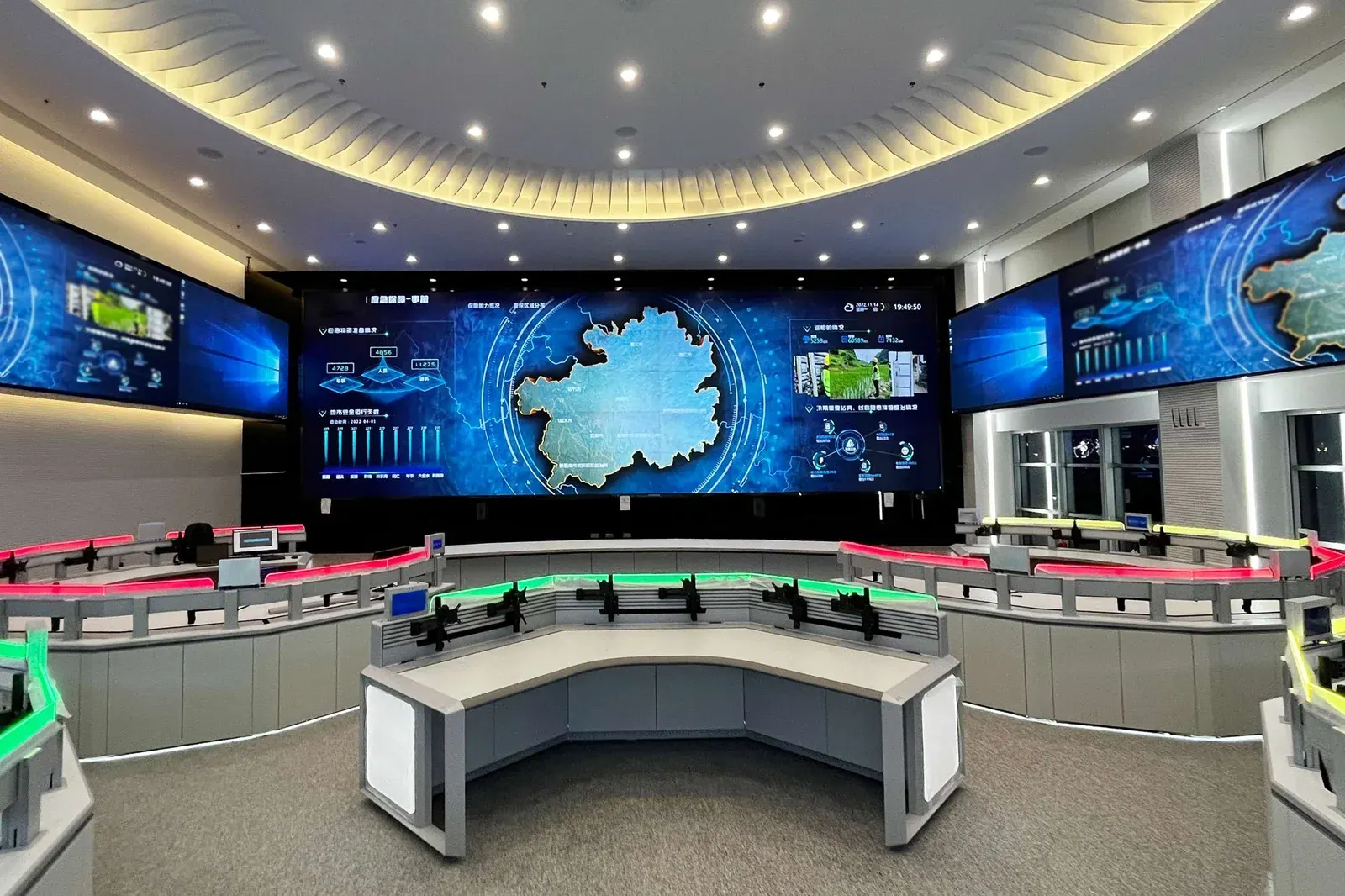
A video wall is not a bigger monitor. It is four layers that have to be chosen together: the display panels, the mounting structure, the signal layer that decides what appears where, and the control surface the operator uses. Most disappointing video walls in service today went wrong at the third layer, not the first — the panels are fine and the signal path was never designed.
We supply the signal and control layers: the video integrated management platform, the decoding server cards, the network keyboards and the management software. Panels and mounting structures are specified per project and confirmed against the wall size, the room and the viewing distance.
Everything that can appear on the wall
- IP cameras directly, over ONVIF, RTSP or GB28181, without being routed through a recorder first.
- Recorder streams, including preview and recorded playback of the normal day-to-day footage.
- Analogue cameras through BNC encoders where an existing AHD, CVI or TVI installation has to be carried forward.
- Computer desktops, set-top boxes and media players as HDMI, VGA or encoded network signals.
- A single camera full screen, a four-way view, or a 36-way mosaic on one card.
Why modular rather than a fixed box
A modular chassis lets the wall grow with the site. Each card carries its own decoding capacity and its own outputs, so a wall that starts as 2×2 and expands to 4×4 over three years needs more cards rather than a new controller. On a multi-phase building project that is the difference between extending a system and replacing it.
It also isolates faults. A card that fails takes its own outputs down and leaves the rest of the wall running, which matters when the wall is the thing people watch during an incident.
Design decisions that decide whether it is useful
The first question is not how many screens but how many streams one operator can actually watch. A four-panel wall showing four large views is more useful than a sixteen-panel wall showing sixteen feeds nobody reads. Design the layout around the operator's task, then size the panels.
The second question is what should never be off the wall. Gates, the main entrance and the loading dock usually earn a permanent window; everything else rotates. That decision is what determines how many decoder cards you need, and it is cheaper to make it before the order than after.
From source to screen
The wall is the last metre of a chain that starts at the camera. The decoding server turns streams into pictures, and the layout decides how many of those pictures an operator can actually read at once.
System components
Video integrated management platform
flagshipModular 14-slot chassis carrying decoding, input and output cards.
- Slot count
- 14 modular slots
- Sources
- IP, BNC, HDMI, VGA, network
- Output
- HDMI to the wall
YK1000 decoding server card
standard4K@60Hz decoding with two HDMI 2.0 outputs and one HDMI input per card.
- Outputs
- 2 × HDMI 2.0 4K@60Hz
- Decoding
- Up to 72 × D1 per card
- Division
- Up to 36-split
YK-41DP control keyboard
standardNetwork keyboard with 4D joystick for PTZ and wall operation.
- Devices
- Up to 999
- Joystick
- 4D
- Power
- PoE or DC 12V
Panels and mounting structures are specified per project. Send us the room dimensions, the wall size and the layout you want and we will confirm the card count.
Frequently asked questions
How many screens does the room actually need?
Two numbers decide it, not the wall size: how many camera views must be visible at the same time, and how large the most important one has to be. Work those out first and the screen count follows. Rooms are usually over-specified on panel count and under-specified on decoder capacity.
LCD or LED?
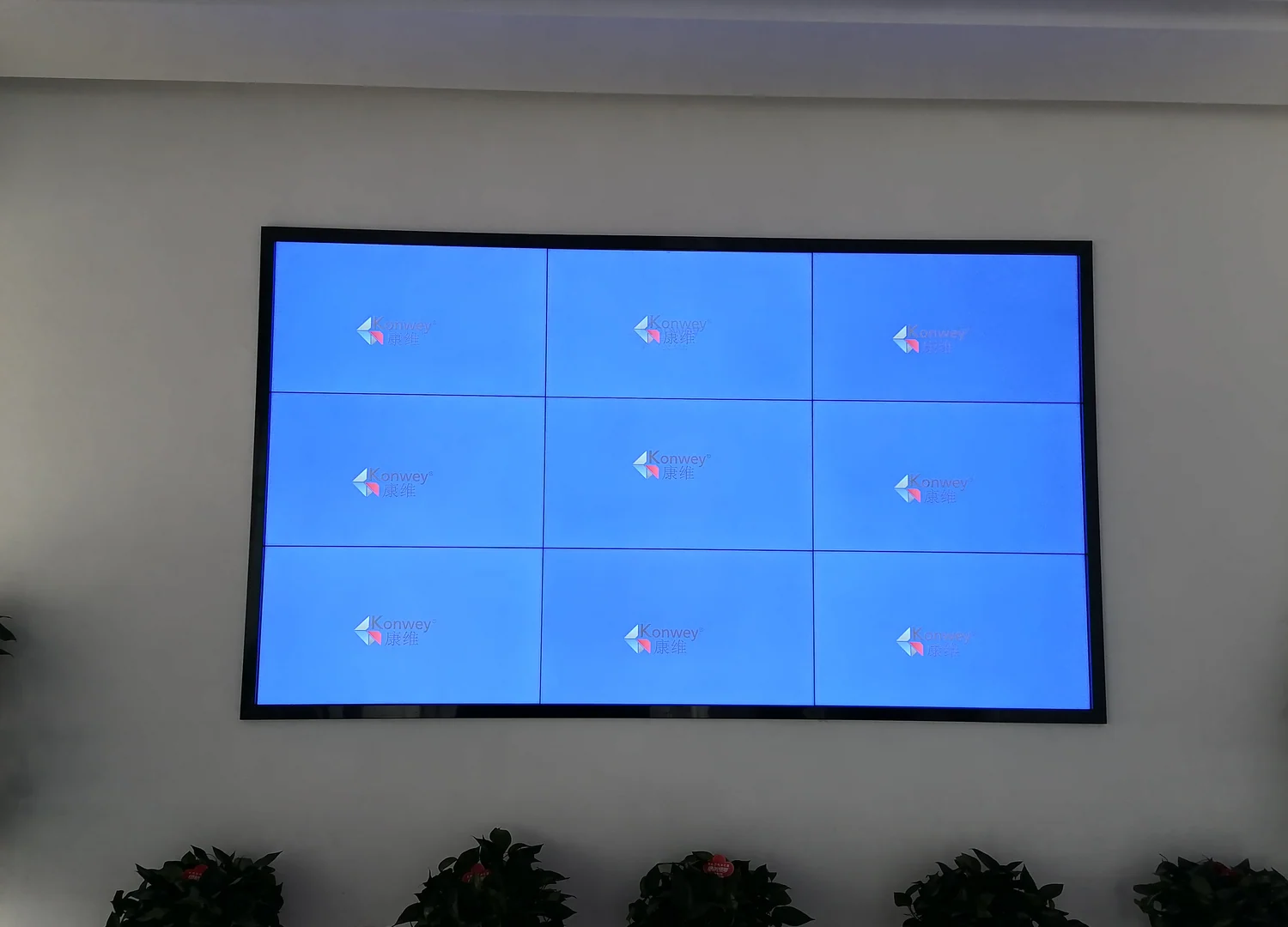
LCD tiles are sharper per screen and cheaper at small sizes, but they have a visible seam. LED has no seam and scales to large walls, at higher cost and with a pixel pitch that must be matched to the viewing distance. Viewed from a desk in a control room, LCD is usually right; viewed from across a lobby, LED.
What drives the wall?
A controller or decoding server, sized by how many streams it must decode at once and how many outputs it drives. This is the part that decides whether the layouts you designed are actually achievable, so specify it together with the panel count rather than after it.
What is the honest limit of a video wall?
A wall displays what the cameras and the network deliver — it improves neither. If streams are already dropping at the recorder, a larger wall makes that more visible, not less.
Plan Your CCTV or Video Wall Project
Send us the building type, floor count and camera estimate — we will come back with a system layout, a bill of materials and a price.