Video wall · LCD
LCD Video Walls for Control Rooms
LCD panels remain the practical choice for most indoor control rooms. Our scope is the signal and control layer that drives them — and the panel criteria that decide whether the wall works.
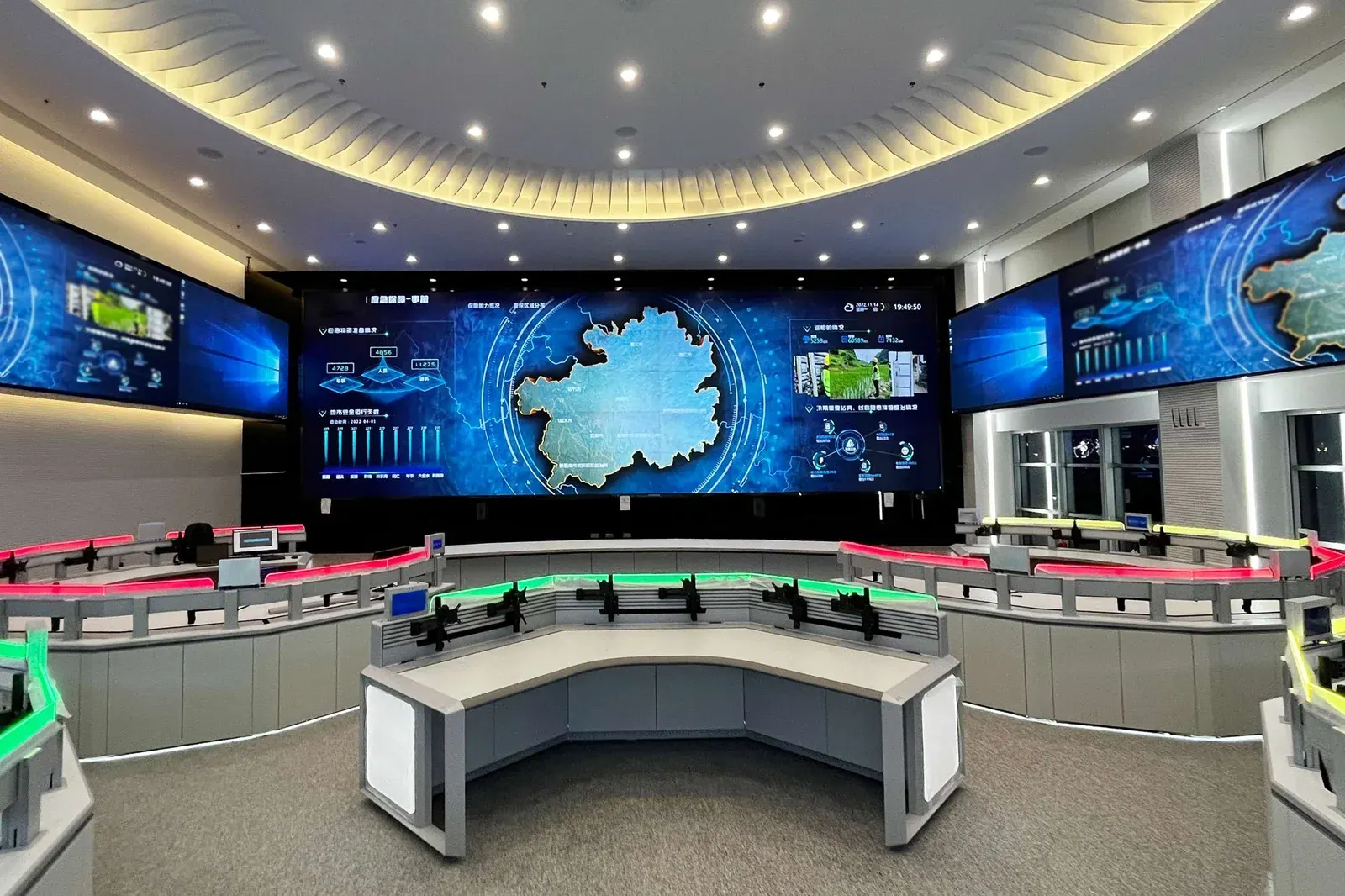
- Indoor control room standard
- Bezel width decides spliced quality
- Driven by the modular controller
- Panel choice confirmed per project
Why LCD is still the default indoors
In a room with controlled lighting and a viewing distance of a few metres, LCD gives the highest resolution per unit of cost and the best readability for text, camera feeds and software interfaces. LED walls win on seamless large-format imagery and outdoor brightness, neither of which is usually the requirement in a building control room.
That makes LCD the practical choice for most command centres, security offices and reception displays. The decision that matters is not LCD versus LED but panel size, bezel width and brightness, because those three decide whether the wall reads as one picture or as a grid of tiles.
Three panel criteria that decide the result
Also check the panel's mounting requirements. A wall of panels is a structure, and the frame needs to allow an individual panel to be removed for service without dismantling the row. Panels mounted in a way that requires the whole wall to come down for one failed unit is a maintenance trap that only appears two years in.
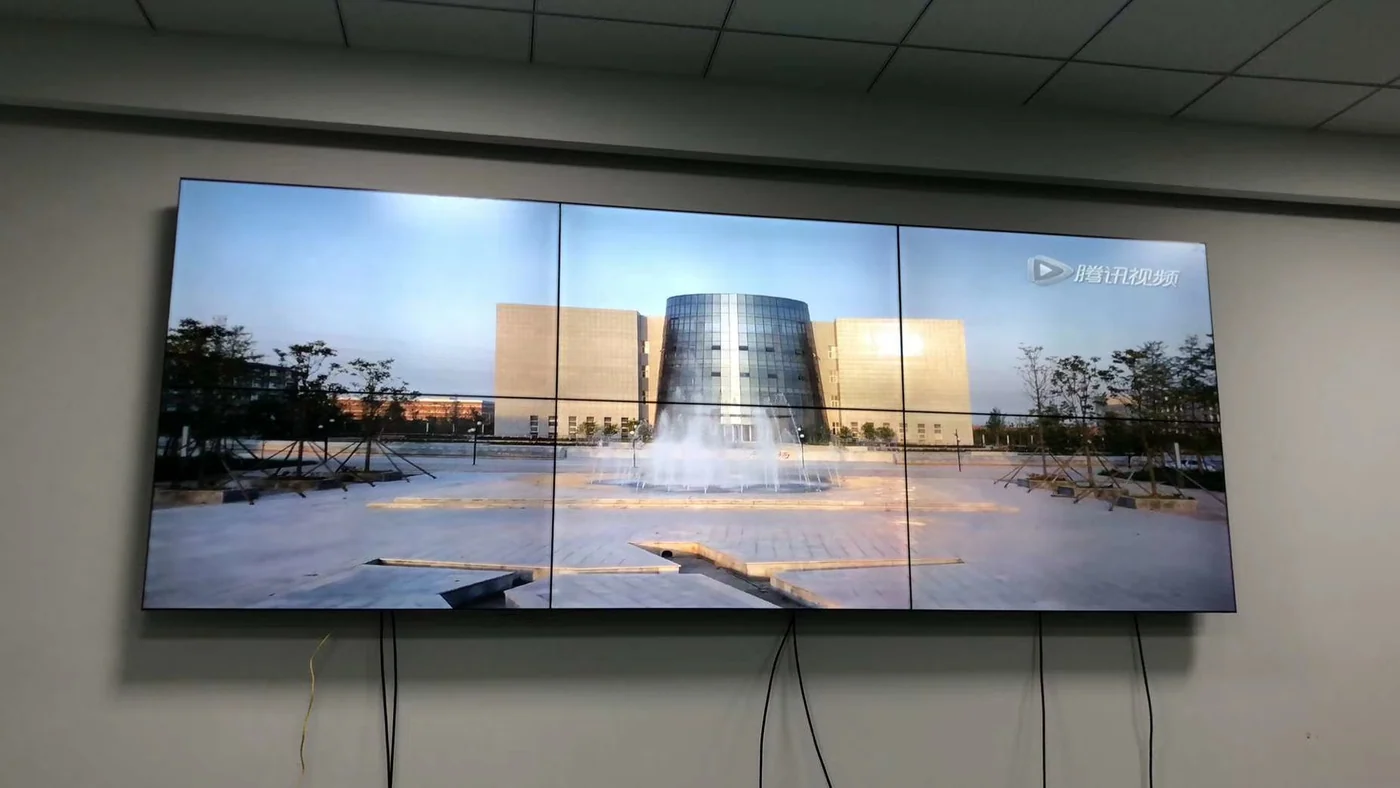
- Bezel width: the single most important number if you intend to splice a single view across panels. Narrow bezels make the image continuous; wide bezels fragment it.
- Brightness and uniformity: in a dim room, very bright panels cause eye strain, and uneven brightness across a wall is immediately visible on a dark camera feed.
- Duty rating: a control room wall runs continuously. Panels rated for commercial signage use have a different duty cycle from consumer televisions, and the difference shows up as early failures on the top row.
The signal layer we supply
Panels do not decide what appears on them. That is the video integrated management platform: a modular 14-slot chassis with 4K@60Hz decoding cards, each carrying two HDMI 2.0 outputs and one HDMI input, driving up to a 36-split layout per card.
It accepts IP cameras directly over ONVIF, RTSP and GB28181, recorder streams, analogue sources through BNC encoders, and computer or media signals over HDMI and VGA. Operators control it from the client software and a network keyboard, so PTZ and window switching are fast under pressure.
Layout and the operator
The wall should be designed around what the operator must notice, not around how many panels fit. Assign permanent views to the things that must never be off screen, rotate the rest, and keep a large-format zone for whichever incident is live. That structure is what makes a wall useful in the first hour and still useful in the third.
Read the layout planning page for the panel and card arithmetic for 2×2, 3×3 and 4×4 walls, and for the viewing distance rule that connects the room to the panel size.
Panel layouts and the leads that feed them
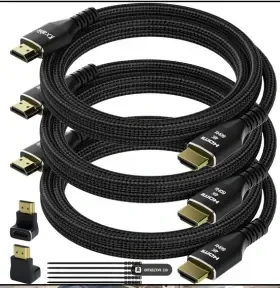
A 2x3 stack reads differently from a 2x2 depending on where the operator sits, and every panel needs its own HDMI lead back to the controller — plan those runs with the layout, not after it.
Frequently asked questions
What seam width should be specified?
It depends on the viewing distance and on what is on screen. A 3.5 mm bezel-to-bezel gap is invisible from a few metres on live video, but obvious on a spreadsheet or a single image stretched across the wall. If the wall will show documents or one large picture, the seam matters more than the resolution.
Is a commercial panel needed, or will a consumer screen do?
A control room runs continuously, so the panel has to be rated for it — duty cycle, brightness stability, and the ability to hold a static image without burning in. A consumer screen in that role usually fails within a year or two.
How is the wall mounted?
Cabinet, wall bracket or floor stand — decided by access, not by looks: whether someone can reach the back of the wall for service, and whether the structure can carry the weight. Plan service access before the panel count, not after.
Does the wall need its own controller?
Yes, if it has to show many camera streams at once or window several sources side by side. A wall driven from one PC desktop can only show what that desktop shows, which in a control room is usually not enough.
Plan Your CCTV or Video Wall Project
Send us the building type, floor count and camera estimate — we will come back with a system layout, a bill of materials and a price.