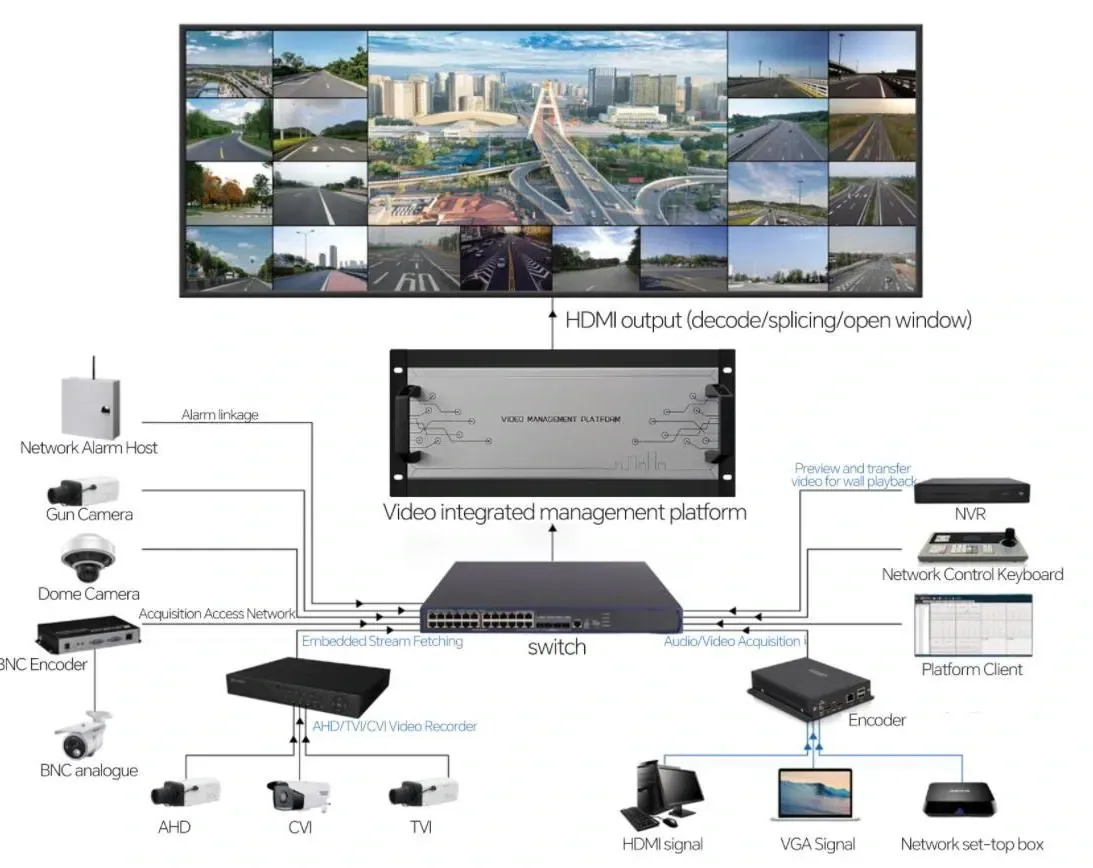
Two questions hide inside “will these work together”. The first is whether the recorder will accept the camera at all — discovery, a stream, a picture on screen. The second, which decides whether the system is pleasant to own, is whether everything the camera does survives the journey: events, PTZ control, the sub-stream the grid uses, the recording schedule. Open standards answer the first question reliably and the second one only partly, and knowing which is which is what stops a mixed system becoming a maintenance problem.
The case for mixing is ordinary rather than exotic. A building extends and the new wing gets modern cameras; a recorder reaches end of life but the cameras on the walls are three years old and working; a client wants to change brand without re-cabling five floors. In each case the question is the same: how much of the existing system stays, and what has to be accepted as different.
What is ONVIF — and what is it not?
ONVIF is an interoperability standard: it defines how a device describes itself on the network and how another device asks it for a stream, moves a PTZ head, or subscribes to events. A device carrying the conformance mark has passed a test for the profile it claims. That is a meaningful guarantee — it means two devices from different manufacturers share a common language and a common set of commands.
What it does not guarantee is feature parity. The standard defines interfaces, not implementations: a camera may expose PTZ through ONVIF and a recorder may accept it, while the on-camera analytics or the manufacturer's own app-based features never appear on the third-party recorder at all. Conformance is about the conversation, not about every sentence either side can say.
Which ONVIF profiles matter on a building system?
| Profile | What it covers | Where you meet it |
|---|---|---|
| Profile S | Streaming: configuration, discovery, live video and audio | The baseline for a camera appearing on another brand's recorder |
| Profile T | Advanced streaming: H.265, multi-stream and metadata | Modern cameras offering a main and a sub-stream to a third-party recorder |
| Profile G | Recording control and storage on the device side | Where recordings and their retrieval are managed on the camera or its own storage |
For a building system the working assumption is simple: assume Profile S, check for T if you intend to record the modern codec through a third-party recorder, and treat G as a question about edge storage rather than about the recorder in the cabinet.
Why is RTSP the door that is usually open?
Where ONVIF is a language, RTSP is often the direct route: a URL that asks the camera for a stream, in the form of an address, a port and a path. The port is conventionally 554; the path is specific to each manufacturer's firmware and is published in that camera's own documentation. Two things follow for a mixed system. First, RTSP works where the richer integration does not, which makes it the fallback that keeps a mixed system alive. Second, because the path is vendor-specific, it is documented per camera rather than assumed.
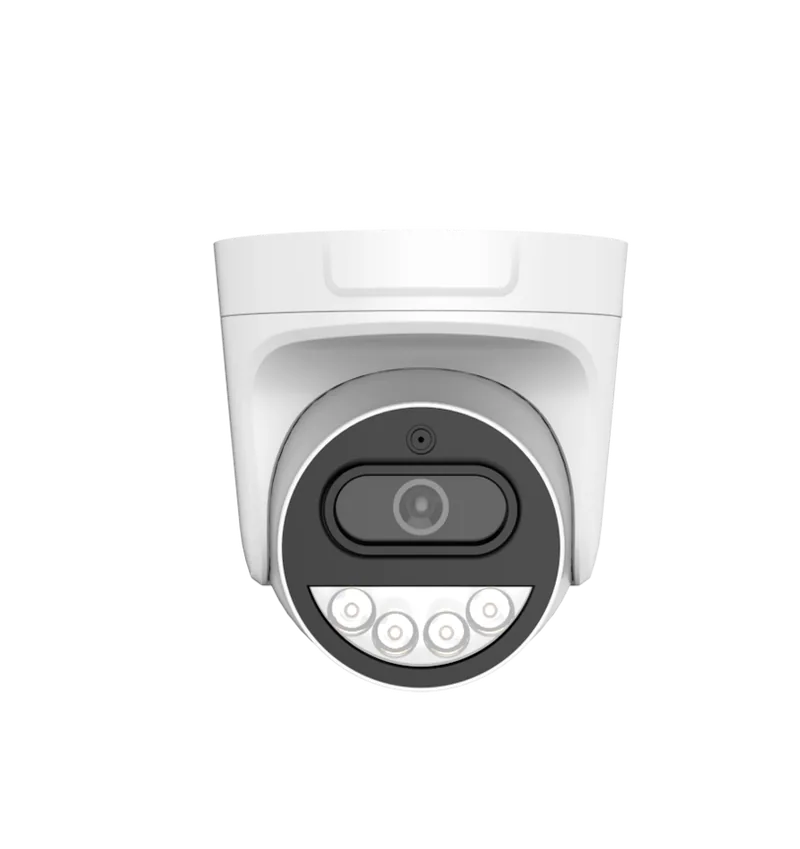
Cameras of the kind we build expose a main stream and a sub-stream over that interface. The main stream is the one worth recording at 5 MP; the sub-stream is what the live grid and the mobile client should be using, because a wall of miniature windows does not need full resolution and should not be paying for it in bandwidth. A mixed system where the sub-stream is left switched off is a mixed system that feels slow for reasons that have nothing to do with brands.
What survives a mixed-brand system, and what does not?
| Capability | Through open interfaces | The honest caveat |
|---|---|---|
| Live view and recording | Yes | The common case, and the one the standard was written for |
| PTZ control | Yes, where the camera exposes it | Presets and tours may behave differently between clients |
| Motion events | Basic motion, usually | Line-crossing, intrusion and similar analytics often stay inside the manufacturer's own client |
| Two-way audio | Sometimes | Depends on both ends supporting the same audio path |
| Mobile app and client | No | Each manufacturer's app sees its own hardware; a mixed system usually means two apps, or a recorder that publishes one |
| Firmware and updates | No | Always separate, always per brand |
What are the three ways to run a mixed system?
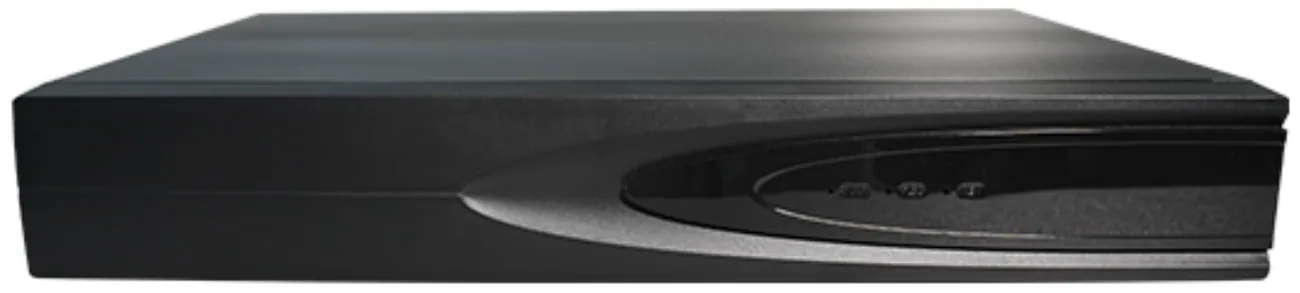
- Keep the cameras, change the recorder. The most common migration, and the cheapest to plan: the recorders in our range speak ONVIF, RTSP, GB28181 and P2P, so existing cameras that expose any of those interfaces can be registered and recorded. Replace the recorder, keep the camera schedule, and the wiring does not change.
- Keep the recorder, change the cameras. Register the new cameras on the existing recorder over ONVIF or RTSP, one channel at a time. The old cameras stay in service until each position is ready, which means the building is never blind during the change.
- Run both during handover. Old recorder and new recorder on the same network for a period, so nothing is lost while the change is verified. It needs spare addressing and somebody who understands which system is recording what — worth it where a claim could be made in the changeover window.
Where do mixed systems fail in practice?
The failures are rarely about brands and almost always about configuration. A sub-stream left switched off, so the recorder pulls the main stream for every channel and the bandwidth ceiling arrives early — on our larger recorders the access bandwidth is 64 Mbps, which is comfortable for a building and something you meet at around the thirtieth 5 MP channel if everything is recorded at full rate. Codec mismatches, where one end offers H.265 and the other expects H.264. Duplicate addressing, when two DHCP servers share a network during a migration and a camera answers to an address somebody else claimed. Clock drift, which quietly makes the timeline unreliable until somebody enables NTP everywhere. Credentials and session limits, when a recorder asks a camera for more simultaneous streams than its firmware allows.
What goes on a migration checklist?
- List what stays and what changes, and write down which of the five links — camera, switch, cable, recorder, client — the change touches.
- Confirm the interfaces on both ends: ONVIF profile, RTSP availability, and the codec each side records.
- Check the recorder's access bandwidth against the channel count and the resolution being recorded, not against the camera count alone.
- Set NTP on every device before commissioning, so the timeline is trustworthy from the first day.
- Move one channel first, and watch it across a night, before committing the rest.
- Keep the old system's access available until the acceptance test is signed.
Compatibility is not a yes-or-no property of a brand; it is a list of interfaces and settings that either line up or do not. Work through it channel by channel and a mixed system is unremarkable — which is the point.