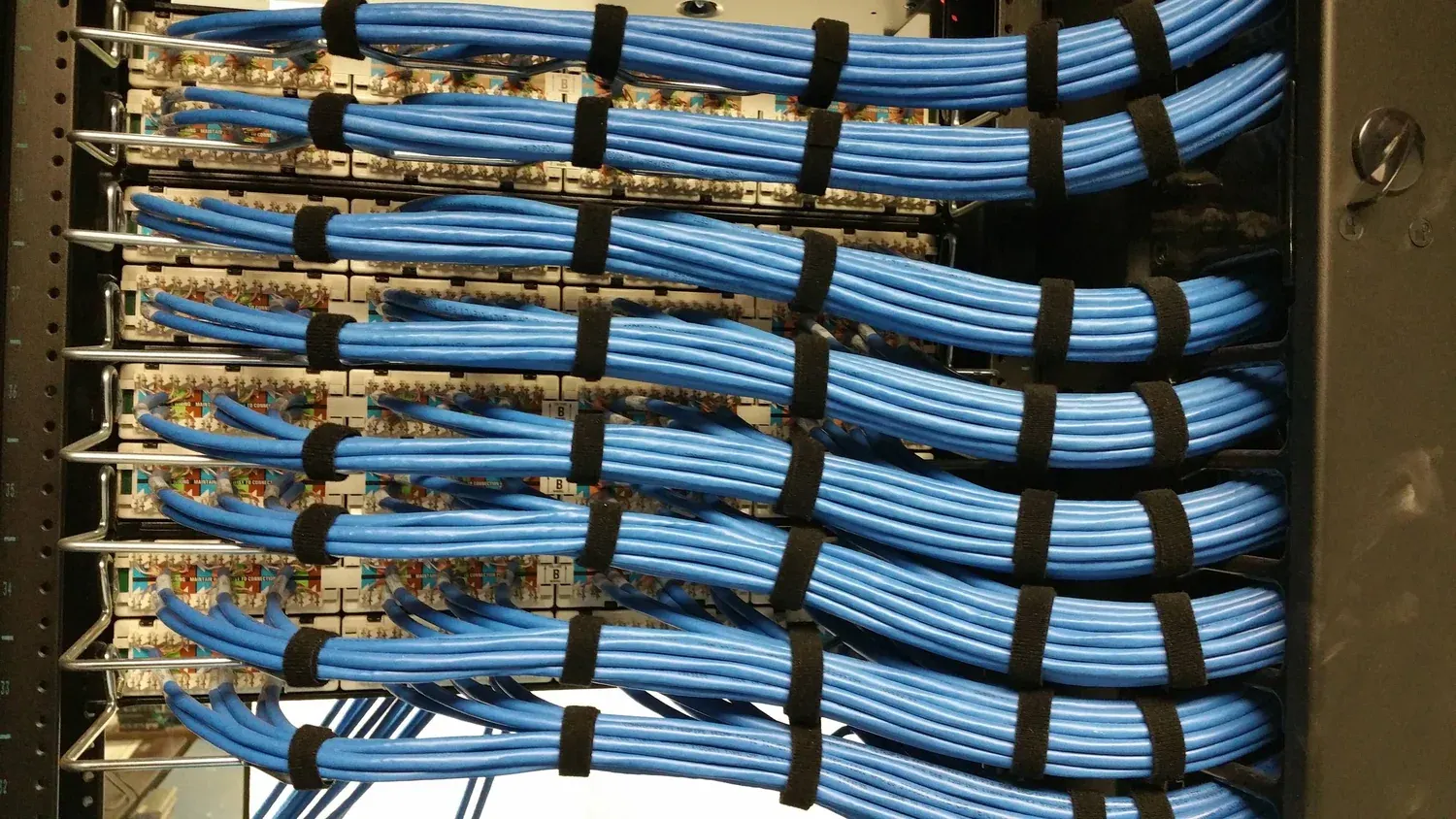
A PoE switch is a network switch that sends electrical power down the same cable that carries the data. In a building CCTV system that one sentence removes a whole layer of work: no mains outlet at ceiling height, no power supply beside every camera, and no second trade on site for the camera positions. The camera is fed from the communications cabinet, over the same CAT6 run that already has to be pulled for the video.
What follows is the version of that answer a buyer needs before committing to a design: what the standard actually defines, what the three power levels realistically cover, what a PoE switch does not solve, and how to read the numbers on the box — because the number that decides whether a design works is rarely the port count. It is the wattage budget behind the ports.
What is PoE, and what does it actually power?
Power over Ethernet is an IEEE standard rather than a wiring trick. The switch does not simply apply voltage to every port: when a cable is plugged in, it probes the device, powers it only after a valid signature is detected, and negotiates how much the device is allowed to draw. That handshake is why an ordinary network device plugged into a PoE port is not damaged, and why a device that never asks for power simply runs as a data device on the same port.
The negotiated figure has a ceiling, which the standard calls a class. A class 4 device on 802.3at, for example, may draw up to 25.5 W at the far end while the switch reserves 30 W at the port. The difference between the two numbers is the cable loss budget — the standard assumes a length of copper, and the reserve is what the power has to survive on the way down. Two numbers, therefore, describe every PoE port: what the switch promises to reserve, and what the device is allowed to take.
What do 802.3af, 802.3at and 802.3bt each define?
| Standard | Power reserved at the port | What it covers in a building |
|---|---|---|
| IEEE 802.3af (PoE) | 15.4 W | A fixed dome or bullet with a fixed illuminator. Our fixed 5 MP cameras plan at roughly 6 W in normal operation, so a port carries one with room to spare. |
| IEEE 802.3at (PoE+) | 30 W | Speed domes and any position where the camera draws several times a fixed unit — motor load, heater, or a large illuminator array. |
| IEEE 802.3bt (PoE++) | 60 W and 90 W | Multi-sensor and high-draw devices. Most building camera positions never reach this row, and the switch that offers it costs more per port. |
The practical reading of that table: fixed cameras sit in the first row, PTZ sits in the second, and a mixed design is sized on the sum of the positions rather than on the port count. A design can be perfectly correct on ports and still fail on watts.
What does PoE remove from the installation?
- The mains spur to every camera position. No outlet at four metres, no separate power conduit, no isolator on the wall beside the camera.
- The power supply at the camera. The failure point that used to sit in the most awkward place in the building is now inside a cabinet that somebody can reach.
- Remote power cycling. A camera that stops responding is rebooted from the cabinet — or, on a networked system, without sending anyone up a ladder at all.
- One protection point instead of many. Surge and lightning protection lives at the switch, and the cabinet becomes the single place where power and data for the floor are documented.
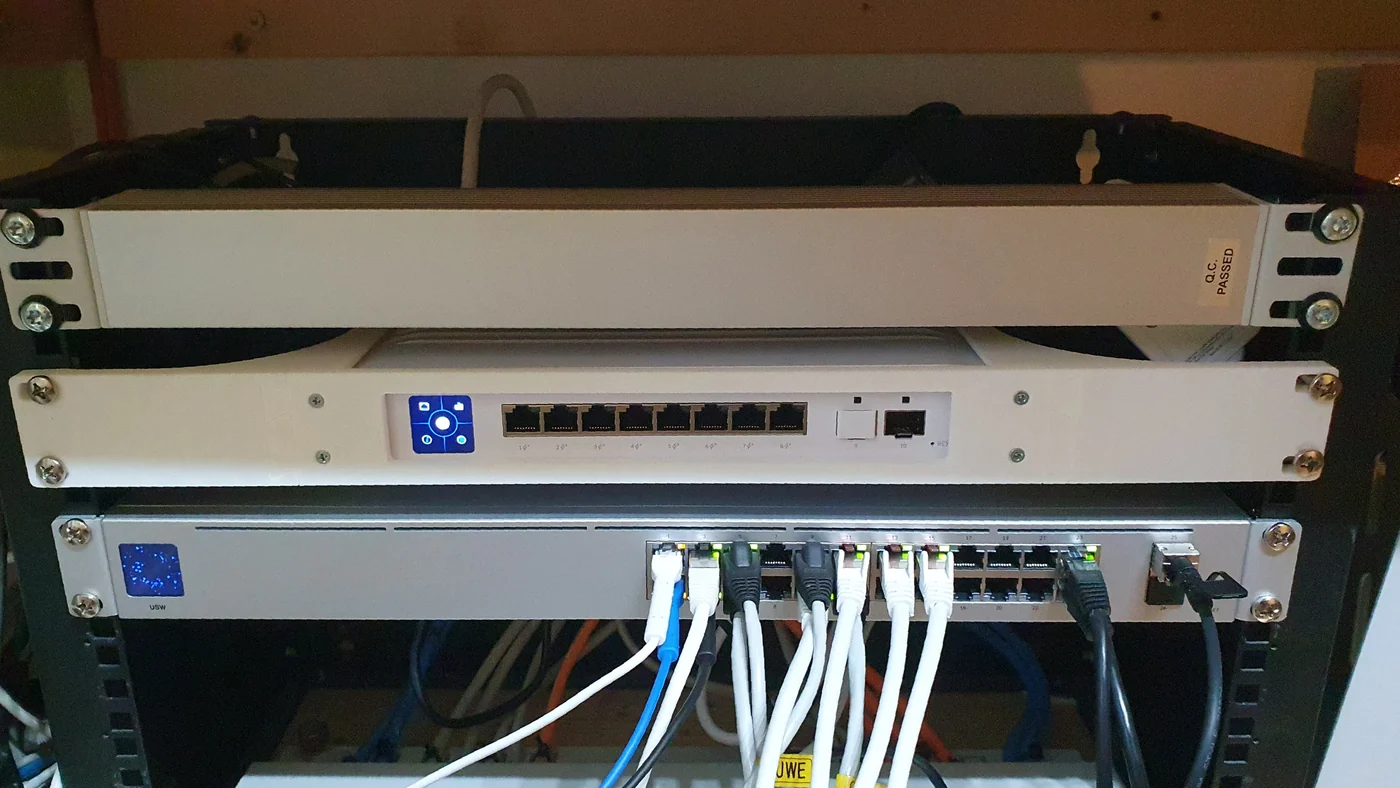
- A simpler cabinet. One device feeds the floor, and the port list doubles as the camera schedule.
How does PoE compare with the alternatives?
| Approach | What it is | Where it makes sense |
|---|---|---|
| PoE switch | Power and data from the cabinet over one cable | Any new building system, from a small site upwards |
| PoE injector | A one-port power inserter between a non-PoE switch and one camera | A single camera added later to a network that has no PoE budget left |
| Midspan | A powered patch panel that injects power into existing runs | An existing non-PoE switch estate that cannot be replaced yet |
| Splitter | Takes PoE in and outputs a lower DC voltage | Keeping a camera that predates PoE on a modern run |
| Local supply at the camera | A separate power unit at the position | Only where a position is genuinely out of reach of PoE |
What does a PoE switch not solve?
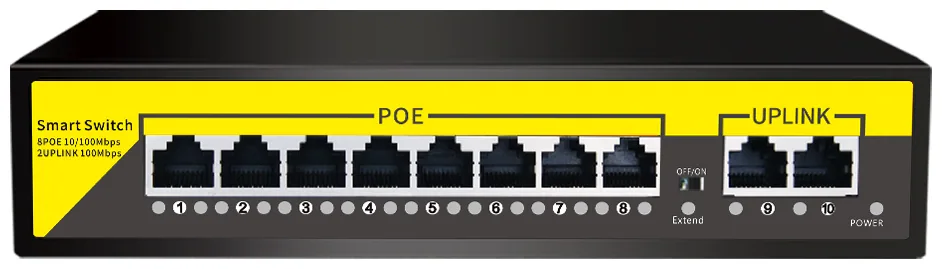
The 100 m limit. Ethernet over copper is specified to 100 m, and PoE travels inside that same budget. Past it the choices are a cabinet nearer the position, a fibre uplink, or Extend mode — which carries power and data up to 250 m at 10 Mbps, with the port isolation that stops one failing drop affecting the rest of the switch. That is the honest trade: longer reach, lower negotiated speed. Know which runs on the plan use it before the cable is ordered.
The budget, not the port count. A switch's port count says nothing about how much power it can deliver. Our range runs from an 8-port at 120 W through a 16-port at 250 W to a 24-port at 320 W, and the sizing rule is the same at every size: add the allowed watts per position, add about a quarter for headroom, and check the result against the budget. Twenty-five per cent is not padding — illuminators draw more at night than the same camera draws by day, PTZ motors draw in bursts, and the position you add next year comes out of the same budget.
A worked example. Twelve fixed positions allowed at 10 W and two PTZ positions allowed at 20 W come to 160 W of load; with headroom that becomes 200 W, which fits the 250 W budget of the 16-port switch with about 50 W spare and ports still free. The same fourteen positions on the 8-port at 120 W do not fit, even though the port count is only fourteen out of sixteen — which is the whole point of sizing on watts.
The camera's own thirst. The planning figure and the rating are not the same number. A fixed 5 MP camera draws roughly 6 W in normal operation, but its specification allows more, and the switch reserve is what an installer can rely on. Size from the allowance; use the planning figure to sanity-check the total.
How should you read a switch before you buy one?
- Ports and uplinks. How many PoE ports, and how many uplink ports remain to reach the next cabinet or the recorder.
- The wattage budget. The single most important number, and the one most often missing from a data sheet's first page.
- The standard per port. 802.3af only, or af and at — which decides whether a PTZ can be fed from the same switch.
- Extend mode and isolation. Whether long runs and fault isolation are available, and on how many ports.
- Managed or unmanaged. Unmanaged switches are plug and play, which suits most building floors; managed models earn their place where VLANs or monitoring are required.
- Spare ports. Two or three, which is where the access point or the door controller usually ends up.
Read the four numbers in that order and most PoE mistakes disappear before the order is placed: a design that fails does so on budget, reach or standard, almost never on port count.
Send us the position list, the camera forms and the longest cable run per floor, and we will come back with the switch sizes, the wattage per cabinet and the cable metres — the same arithmetic the range is built on, applied to your building.