Run the cable where you can. A wireless camera earns its place only at a position that genuinely cannot join the cabled system — a gate 400 m from the building, a compound with no mains, a wall nobody is allowed to drill. Everywhere else it moves the problem rather than solving it, from a cable run to a radio path, a monthly data bill and a battery that has to be managed.
Three things decide a wireless position, and none of them is the camera's resolution: what carries the video, what that link costs every month, and how much power the position can spare. Below is the arithmetic for each, worked from figures we actually hold, with the places we do not hold a figure left open rather than filled in.
When is a wireless camera the right answer?
Three cases are legitimate, and they share one property: no amount of extra copper would fix them.
- The route does not exist and cannot be made. A listed facade, a leased floor where the tenant will not allow penetrations, a boundary wall shared with a neighbour. The cable is not expensive here — it is prohibited.
- The site is temporary. A construction compound, a seasonal yard, an event site. Cabling has no payback when the site comes down in eighteen months, and the cameras move with it.
- The position has no infrastructure at all. A remote gate, a reservoir intake, a pump station, a farm building at the far end of a field. There is nothing to join: no switch, no cabinet, often no mains.
The case that is not a case is "the cable route is inconvenient". PoE over CAT6 reaches 100 m in standard mode, and 250 m at 10 Mbps with port isolation in extend mode; past that, an intermediate cabinet or a fibre uplink is usually cheaper over five years than a data plan, and it records to the same recorder as everything else on the site. If you are choosing wireless because pulling cable through a finished ceiling is unpleasant for two days, choose the cable.
What does "wireless" actually mean — Wi-Fi, 4G, or a battery camera?
The word describes the video link, not the power. Most cameras sold as wireless still need a supply at the mounting point; only battery models have neither a cable nor a spur. The table separates the four routes that get quoted on real projects.
| Route | What it removes | What it still needs | Where it goes wrong |
|---|---|---|---|
| PoE over CAT6 (the baseline) | The mains spur at the camera — one cable carries data and power | A cable route within 100 m, or 250 m in extend mode at 10 Mbps | No route exists, or the run is longer than the route allows |
| Wi-Fi (2.4 / 5 GHz) | The data cable | Mains or DC power at the camera, and a clean radio path to an access point | Walls, distance and neighbouring networks; a link that works at commissioning and degrades when the building fills |
| 4G / cellular | The data cable and the building network both | Usable coverage at the mounting point, a data plan, and power or a battery | Coverage at the pole rather than at the gate; the data bill; nobody owning the SIM |
| Battery with solar | Cable and mains | Enough sun and a duty cycle the battery can carry | Overcast weeks, and any setting that asks for continuous recording |
Everything in the right-hand column is a site question, not a product question, which is why the survey has to happen before the order.
How much data does a 4G camera really use?
One formula settles it: gigabytes per hour equals the stream bitrate in Mbps multiplied by 0.45, because one megabit per second is 450 MB in an hour. Everything else is that number multiplied by hours.
| Stream bitrate | Per hour | Per day, 24 h | Per 30 days |
|---|---|---|---|
| 0.5 Mbps | 0.23 GB | 5.4 GB | 162 GB |
| 1 Mbps | 0.45 GB | 10.8 GB | 324 GB |
| 2 Mbps | 0.9 GB | 21.6 GB | 648 GB |
| 4 Mbps | 1.8 GB | 43.2 GB | 1,296 GB |
| 8 Mbps | 3.6 GB | 86.4 GB | 2,592 GB |
The band in that table is not arbitrary: our 5 MP cameras are specified at a 500–8000 kbps main stream and a 50–2000 kbps sub-stream, which is the same 0.5 to 8 Mbps, and a 5 MP frame is 2880 × 1620. Read the table as planning figures and then check the real bitrate on the camera — it moves with scene complexity and with the codec settings.
The lever that changes the answer is recording mode, not resolution. A camera streaming its full main stream continuously at 2 Mbps passes 50 GB in about two and a half days, which is the failure that shows up as "the cameras work but the picture is gone". Event-based upload behaves differently in kind: the camera records to its own card and pushes clips and thumbnails. Our 4G outdoor cameras are listed with the maker's table per model — SD capacity, battery and resolution — and one of those tables puts 64 GB at 21 days of storage, which is about 3 GB a day of recorded video. The data the link carries is the upload share of that, not the whole of it.
Keep the two figures apart in your head. A 5 MP channel writes 8–15 GB a day to disk with H.265+; a 4G link carries whatever the stream is configured at, whether or not anyone is recording. Cap the stream on the cellular side, record locally, and upload events.
What has to be true at the mounting point before you order?
Four checks, all of them done on site, none of them done from a desk.
- Signal measured where the camera goes. Coverage at the site entrance is not coverage at the top of the pole or inside a metal-clad compound. Test with the SIM that will be installed, at the mounting height, and record the reading.
- Upload speed against the stream you intend to run. A continuous 2 Mbps stream needs headroom above 2 Mbps on the uplink for the hours it runs, not just at midday. For event clips the requirement drops away, which is one more reason the recording mode decides the design.
- Power at the position. The 4G models we list run from a low-voltage DC supply — 12 V on the outdoor units in the range — and the battery models carry 5,200 mAh and 12,000 mAh. How long either lasts is set by recording mode, night mode and how often the camera is woken — not by the battery figure alone.
- The SIM. Who owns it, what the cap is, and what happens the month it runs out. A camera that records but cannot be reached is nearly always a data or subscription problem, not a hardware one.
Where does a wireless position fail after handover?
Not usually at the camera. The failures repeat in the same four places, and each one is cheaper to design out than to fix later.
- The card is the only copy. One SD card is one point of failure, and it is inside the device somebody has to reach. Treat it as local insurance while the upload does the archiving.
- The battery meets a bad week. Cold, overcast, and a scene that triggers the camera constantly. Set the duty cycle from the worst week of the year, not the best.
- Remote access is opened to the internet. Port-forwarding a camera is a known way to end up with a public video feed. Prefer the cloud or P2P path the maker supports, with the password changed from the factory default, or a VPN.
- Nobody owns the subscription. Put the SIM, the plan and the renewal date on the handover sheet with the camera list, so the position survives the first staff change.
What is the hybrid that usually gets specified?
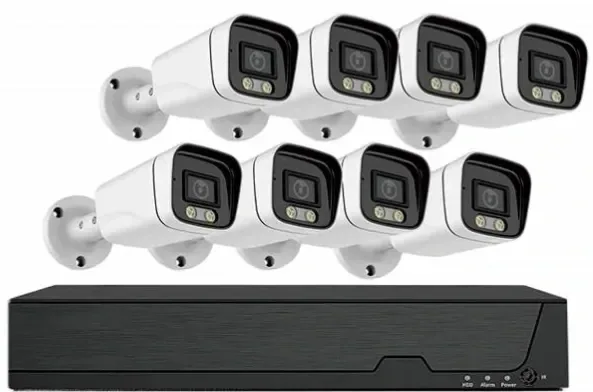
The design that survives contact with a real site is a cabled core with two or three wireless positions attached to it: buildings, lobby, corridors and car park on PoE into one recorder, and the far gate, the compound or the temporary block on 4G. The wireless position is then the exception that is reviewed once a year rather than the whole system's dependency.
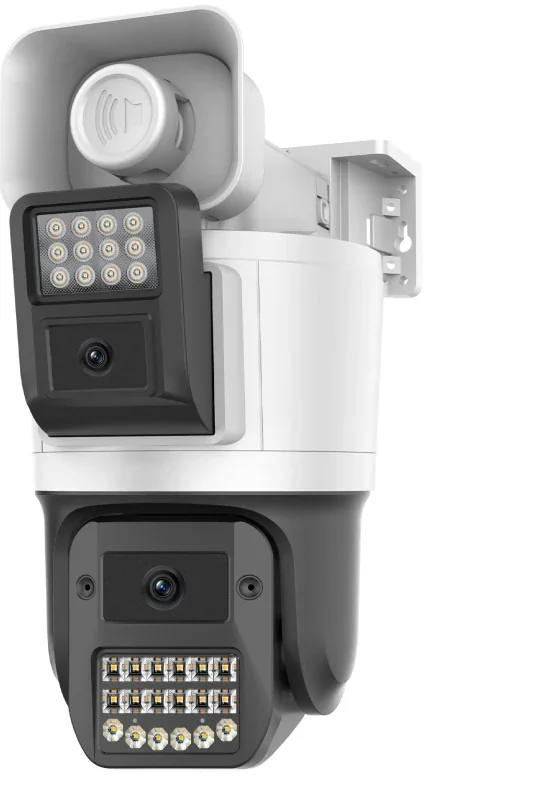
One compatibility question decides how neat the hybrid is. Some wireless cameras answer ONVIF or RTSP and can be pulled into the same recorder as the cabled cameras; others record only to their own card and are watched through a maker app. Both are legitimate purchases, but only the first keeps one operator, one export process and one retention policy — and that difference is worth more on a real site than a slightly better sensor. Our Wi-Fi camera range states per model which of the two it is rather than generalising, because it differs between models.
What do we supply, and what we do not?
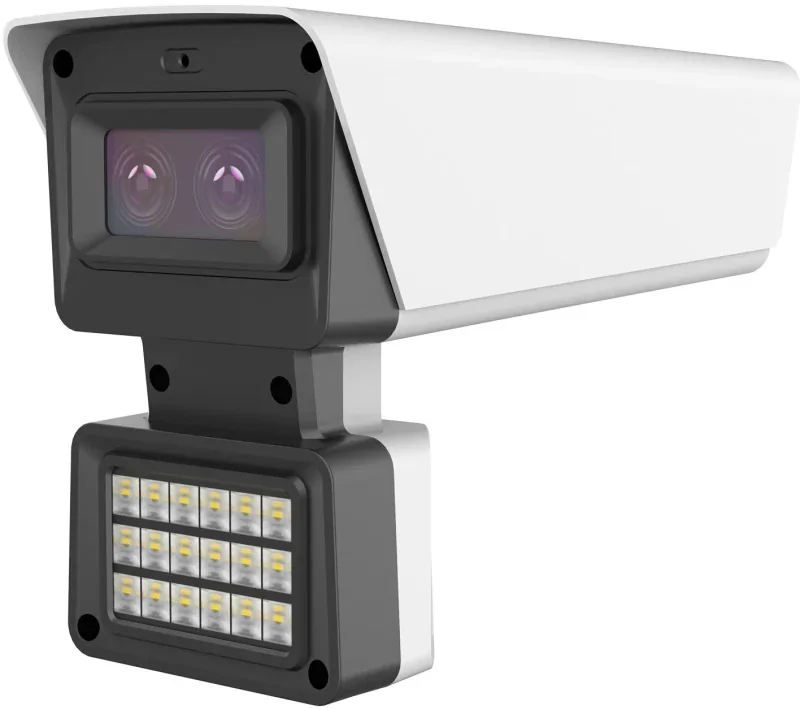
Our own line is the cabled one: 5 MP PoE cameras on 2880 × 1620 sensors, NVRs from 16 to 64 channels, PoE switches from 8 to 24 ports and the video wall at the end of it. The 4G, Wi-Fi and solar cameras are a separate range we supply to order, listed with the maker's specification table per model, kept verbatim — where the source did not state a field, the cell is left empty rather than filled with a plausible number.
What we do not supply is the connectivity. The SIM, the plan and the monthly cost belong to the site, and we will not quote a tariff we do not control. Send us the site, the positions you have in mind and what each one has to record — continuous or events, day only or 24 hours — and we will say which positions should be cabled, which are honestly wireless, and what the data figure looks like for the wireless ones. Datasheets for any model in the list are available on request.