A pharmacy does not need a camera system that shows the whole shop floor. It needs six or eight positions that each answer one question: who was at the counter, what was handed over, what left the shelf, who came through the back door. Resolution, lens, recording days and switch ports all follow from those questions — not from the ceiling the camera happens to hang from.
This article sets out the positions that repeat in community pharmacies, the arithmetic that decides whether a position is useful or decorative, and the storage and network figures that go with them. Camera and recorder specifications quoted here are from our own range; where a decision depends on local regulation we say so rather than guessing.
Which positions does a community pharmacy actually need?
Seven positions cover a typical single-store pharmacy. The table is written as questions, because that is how each position gets tested after an incident: if the footage cannot answer the question in the second column, the camera is in the wrong place or at the wrong angle — and no amount of resolution rescues it.
| Position | The question it has to answer | Form and placement |
|---|---|---|
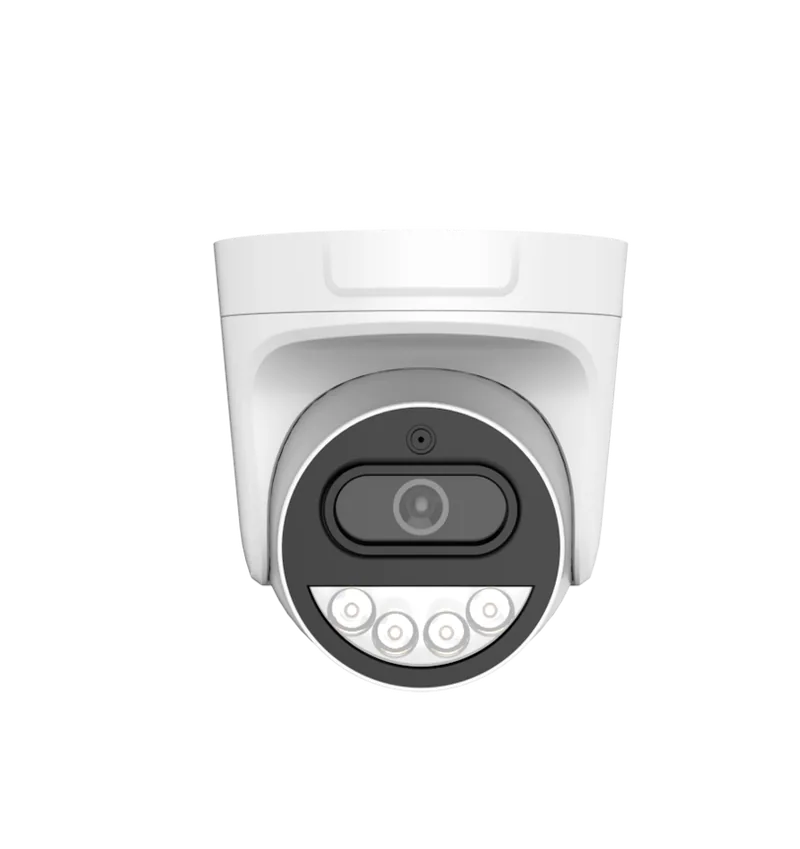
| Entrance and exit | Who came in, at what time, and what did they carry out | Dome inside, 2–3 m from the door, looking back at the doorway rather than down the street |
| Dispensing counter | Who served this customer, and what was on the counter | Dome above and slightly behind the counter, aimed down the counter run |
| Each further counter | The same question, for a different transaction | One camera per transaction point — not one per room |
| Till and cash drawer | Was the drawer opened, and what went into it | Dome close above the till, aimed at hands and drawer rather than faces |
| OTC shelf run | What left the shelf, and when | Dome parallel to the shelving, along the aisle — not at the end of it |
| Controlled-drugs store or cabinet | Who entered, and what was handled | Dome inside the room with the door in frame; a second position if the cabinet is out of that view |
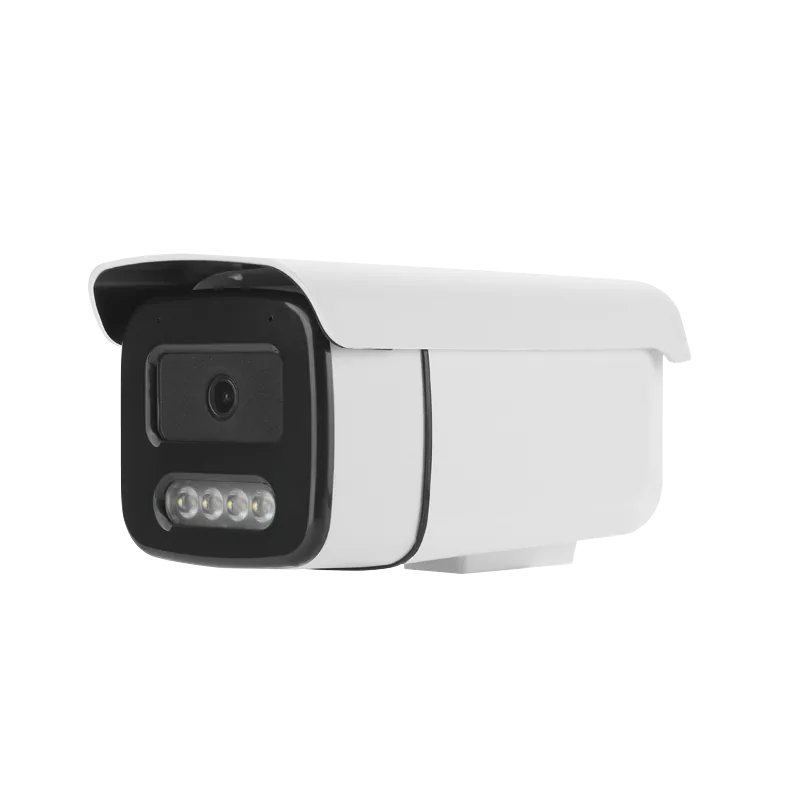
| Back door and deliveries | Who came in through the service entrance | Bullet inside, bullet outside above the door, both showing the door itself |
| Car park or drive-through window | Which vehicle, which plate, which transaction | Bullet or PTZ outside; the plate usually needs its own camera and its own lens |
Six to eight channels is the normal outcome of that list, and it is also the size at which the equipment stays simple: an eight-port PoE switch, one recorder and one cabinet behind the counter. A 24-hour store, a drive-through window or a separate consultation room adds one or two channels — small increments, but they are worth planning at the start, because the switch and the recorder are sized once.
Why does one wide camera over the shop floor settle nothing?
A single wide camera at 3 m, covering the whole 8–10 m shop floor, gives an excellent overview of movement, and it will show that a person is standing at the counter. It will not show what was on the counter. At that height and distance the counter surface is seen at a shallow angle, foreshortened into a strip a few pixels deep, and the person at it is lit from behind by the shop front — a silhouette against the glazing rather than a face.
Two failures are at work, and neither is a resolution problem. The first is angle: a lens looking along a counter compresses the counter, while a lens looking across it sees the transaction. The second is lighting: backlight from the window or from a bright canopy pulls the exposure down until the subject is under-lit. Moving a camera two metres and re-aiming it fixes both; buying a higher-resolution camera in the same place fixes neither.
What resolution does the counter actually need?
Pixel density is the number that decides what a frame can be used for — how many pixels of sensor fall on one metre of the scene. A 5 MP sensor is 2880 pixels wide, so the same camera delivers very different densities depending on how wide the view is:
| View width at the counter | Pixels per metre | What that frame supports |
|---|---|---|
| 2 m | 1440 | Reading a label, a note or a tablet strip on the counter |
| 4 m | 720 | Identifying a face clearly; reading most packaging |
| 6 m | 480 | Recognising a person; counting items; following hands |
| 8 m | 360 | Seeing that an action happened, not the detail of it |
| 10 m | 288 | Overview of movement only |
The pixel-density ladder quoted across the industry — from around 25 px/m for detection to around 250 px/m for identification — puts identification far below what a 5 MP sensor delivers over a normal counter view. That is the useful conclusion: at a 2–4 m counter, resolution is not the constraint. A 5 MP camera aimed across the counter will identify; the same camera aimed along the aisle at 10 m wide will not, and that is a placement decision, not a specification one.
The shelf run follows the same arithmetic: an aisle camera covering 8 m of shelving at 5 MP gives about 360 px/m — enough to see that a hand went to a shelf and what it took, not enough to read a small label. If labels have to be read, split the aisle into two positions.
Dome or bullet — and where does the housing matter?
Indoors, on a 2.6–3 m ceiling, domes are the default: there is no aim line for a customer to follow, the cable enters above the ceiling, and the wide-angle positions a pharmacy needs — counter, aisle, entrance — suit a fixed dome better than a long-lens body. Bullets belong outside, where the run is longer and the camera has to look at a door or a parking bay from across a yard.
One point worth stating plainly, because it comes up in every quotation: our 5 MP cameras are board-level modules, a 38 × 38 mm board carrying the sensor, the IR-CUT driver and the network interface. Water and dust protection is set by the housing and bracket chosen for the position, not by the board, so an outdoor pharmacy position is a housing decision. Ask for the module datasheet and the housing options and we will send both — we do not quote an ingress rating for a bare board.
Where the camera sits within reach — a service door at chest height, a delivery lobby — a vandal-resistant housing is worth the small extra cost.
How much recording does a month-end reconciliation need?
A pharmacy is reviewed slowly. A stock discrepancy is often noticed at month end, which means the footage needed is four weeks old, and the counter and drugs-store channels are the ones that get reviewed. Working at 12 GB per 5 MP channel per day — inside the 8–15 GB/day band our H.265+ cameras run at — the arithmetic is straightforward:
| Channels at 5 MP | Per day | 30 days | 60 days | 90 days |
|---|---|---|---|---|
| 8 | 96 GB | 2.9 TB | 5.8 TB | 8.6 TB |
| 12 | 144 GB | 4.3 TB | 8.6 TB | 13.0 TB |
| 16 | 192 GB | 5.8 TB | 11.5 TB | 17.3 TB |
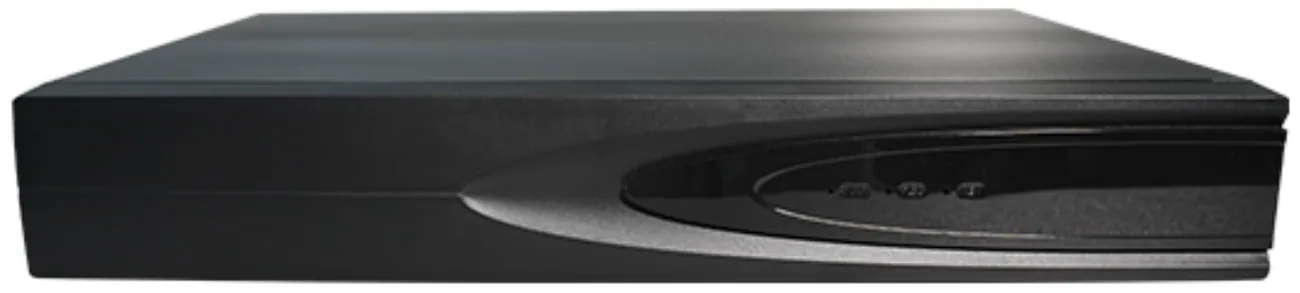
The recorder follows from that table rather than from the channel count. Our 16-channel recorder takes one SATA drive of up to 14 TB and accepts 64 Mbps of camera streams, which covers eight channels for 90 days at 12 GB/day with room to spare — and sixteen channels for a full month. Push sixteen channels to 90 days and the figure passes a single drive, which is the point to move up to the 32-channel chassis: two bays of 18 TB drives and 180 Mbps of access bandwidth.
Recording mode is the other lever. Counter, till and drugs-store channels should run continuously, because a dispute is rarely noticed at the moment it happens. Aisles, the entrance and the yard can run on motion or on a schedule, which cuts their share of the day's storage without touching the channels that matter.
What changes at the tenth store rather than the first?
A single pharmacy is a small installation. A group of twenty is a template, and the mistakes that hurt are organisational rather than technical.
- The same position list in every store. Same channel numbers, same names — "Counter 1", "CD store", "Rear door". A regional manager who moves between stores should be able to find footage without asking which store does it differently.
- Cameras off the shop network. Our 16-channel recorder carries two network ports — a gigabit LAN plus a 100 Mbps LAN2 — so the camera side stays separate from the store network.
- One video platform, not twenty apps. Recorders that answer ONVIF and GB28181 can be pulled into a group platform without replacing hardware.
- Named users, not a shared password. The 16-channel recorder holds up to 38 local users, so each store manager can have their own login and export log instead of one account everybody knows.
- Retention written down per group. 60–90 days on counter and drugs-store channels, 30 days elsewhere. Once it is written down, the storage figure can be checked at handover instead of discovered later.
What should not be filmed, and what should be written down?
The positions that matter in a pharmacy are also the positions closest to personal data, so the design has an exclusion list as well as a position list.
- Till keypad and payment terminal. A camera above the till framed on the drawer will also frame the PIN pad. Angle it so the keypad and the customer's hand on it fall outside the frame.
- The pharmacist's screen. Prescription and patient data on a monitor is health information. A camera behind the counter that looks over a shoulder films the screen; move it to the side.
- Staff areas and neighbouring property. Staff rooms and changing areas stay out of the plan, and an outdoor camera should be aligned to the boundary — the flat above the shop and the neighbouring unit are not yours to film.
- Audio. The modules support one audio input and an 8 Ω 2 W speaker output for two-way talk, but whether speech may be recorded is a legal question in your market. Decide it separately from the camera plan.
- Purpose and access. Keep one page: what each camera is for, who may export footage, how long it is held, and who signs off a request. Requirements differ between GDPR-style regimes and US state law, so take local advice — but the page itself is what an inspector or a claimant asks for first.
What does the network side look like at that size?
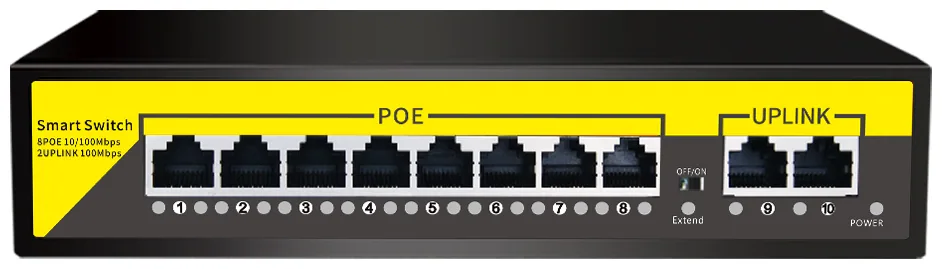
The chain is short and it is sized once: cameras → PoE switch → CAT6 → recorder → screen in the back office. For eight cameras, an eight-port PoE switch with a 120 W internal supply and two gigabit uplinks is enough, on 802.3af/at ports; sixteen cameras move to the 16-port model at 250 W, and a store that also powers access points or a door controller should plan 24 ports at 320 W rather than filling every port on the day of install.
Run lengths decide the rest: standard mode carries data and power 100 m over copper, extend mode 250 m at 10 Mbps with port isolation, which is how a car park or rear-yard position is usually served. Beyond that, the 11-port model offers a gigabit SFP uplink for fibre, and the recorder's HDMI output at up to 4K gives the back office a live view without a separate PC.
Send us a floor plan with the counter positions, the drugs store and the back door marked, and we will return a channel list — position, form, lens and mounting height for each — with the storage figure for the retention you need. Datasheets for any camera or recorder in the list are available on request.